
Assets Management Add-on for Open Core Business Suite
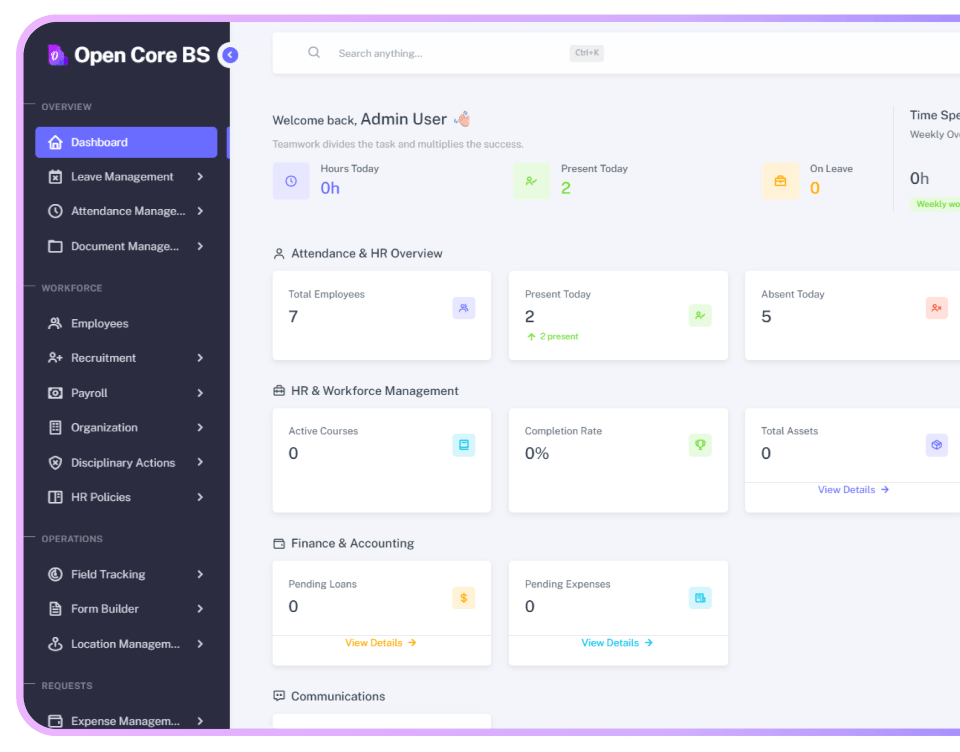
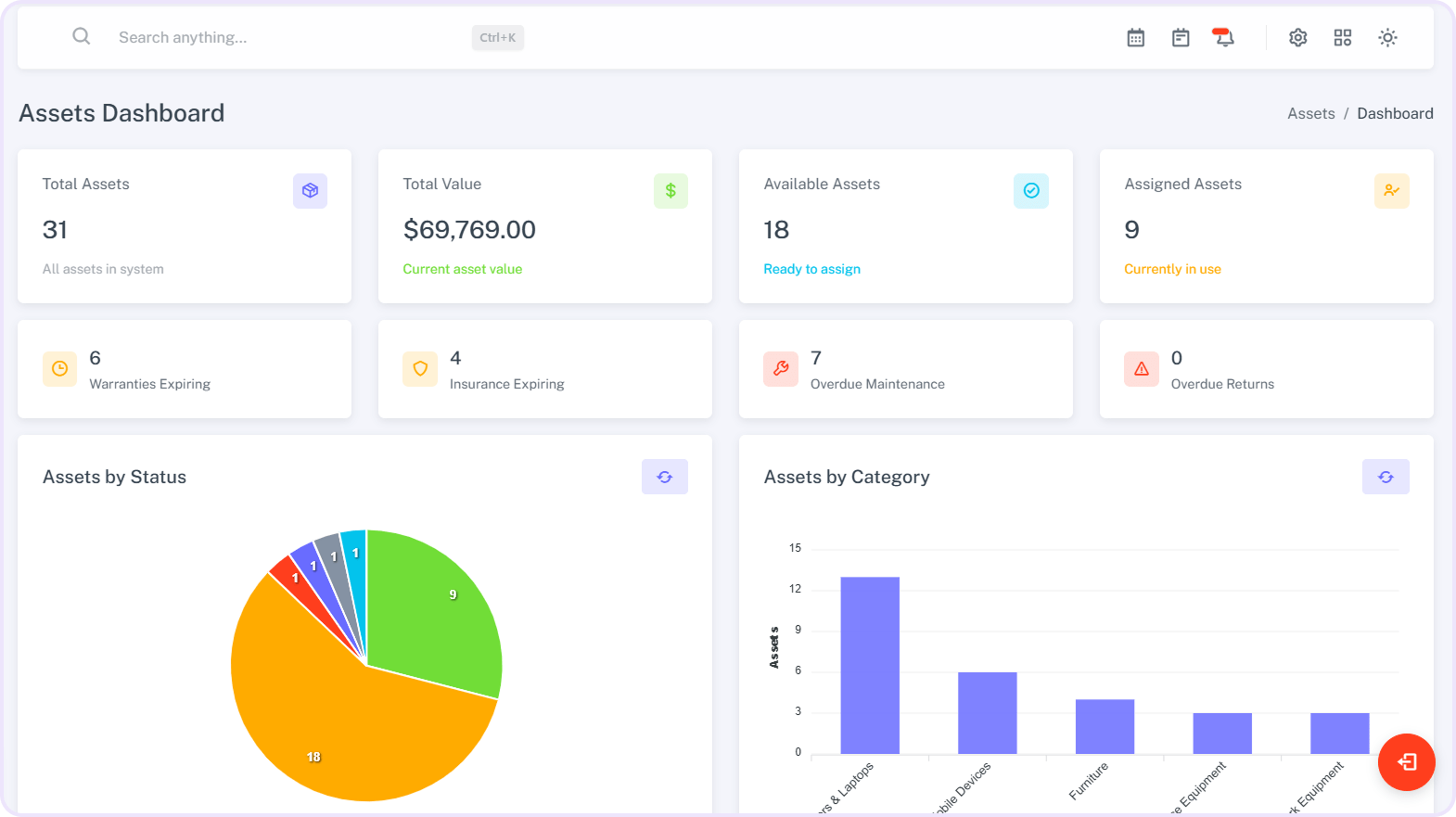
Manage company assets efficiently with Assets Management. Admins can create, edit, and organize assets while tracking usage, returns, and maintenance. The system updates asset status in real time, helping reduce losses, improve accountability, and ensure smooth resource management across the organization.
-
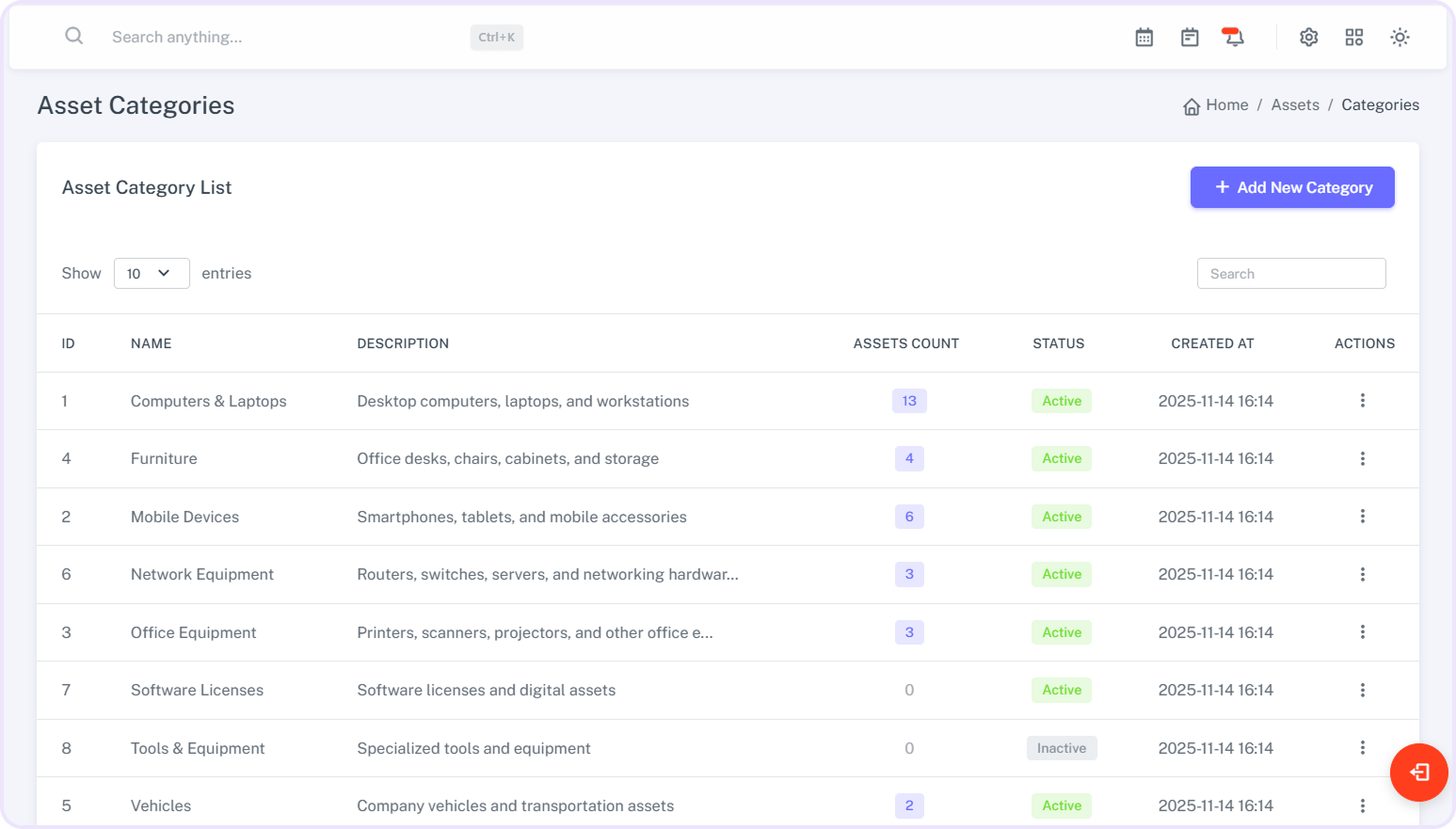
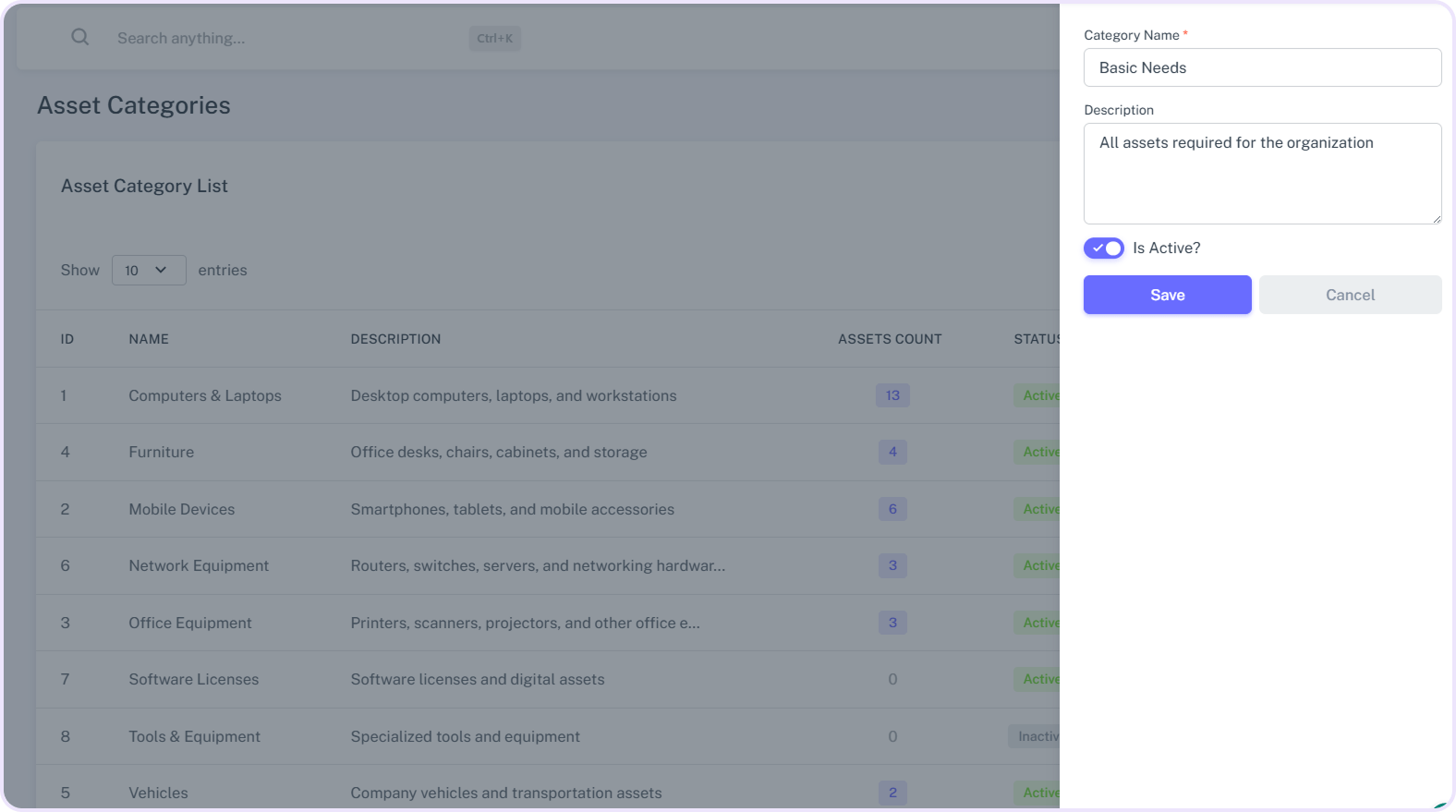
Create asset categories easily by entering the name and description.
-
View a complete list of all asset categories at a glance.
-
Edit category details quickly whenever needed.
-
Access full details of assets under each category.
-
Identify assets efficiently using barcode scanning.
-
Organize categories for faster tracking and better management.
-
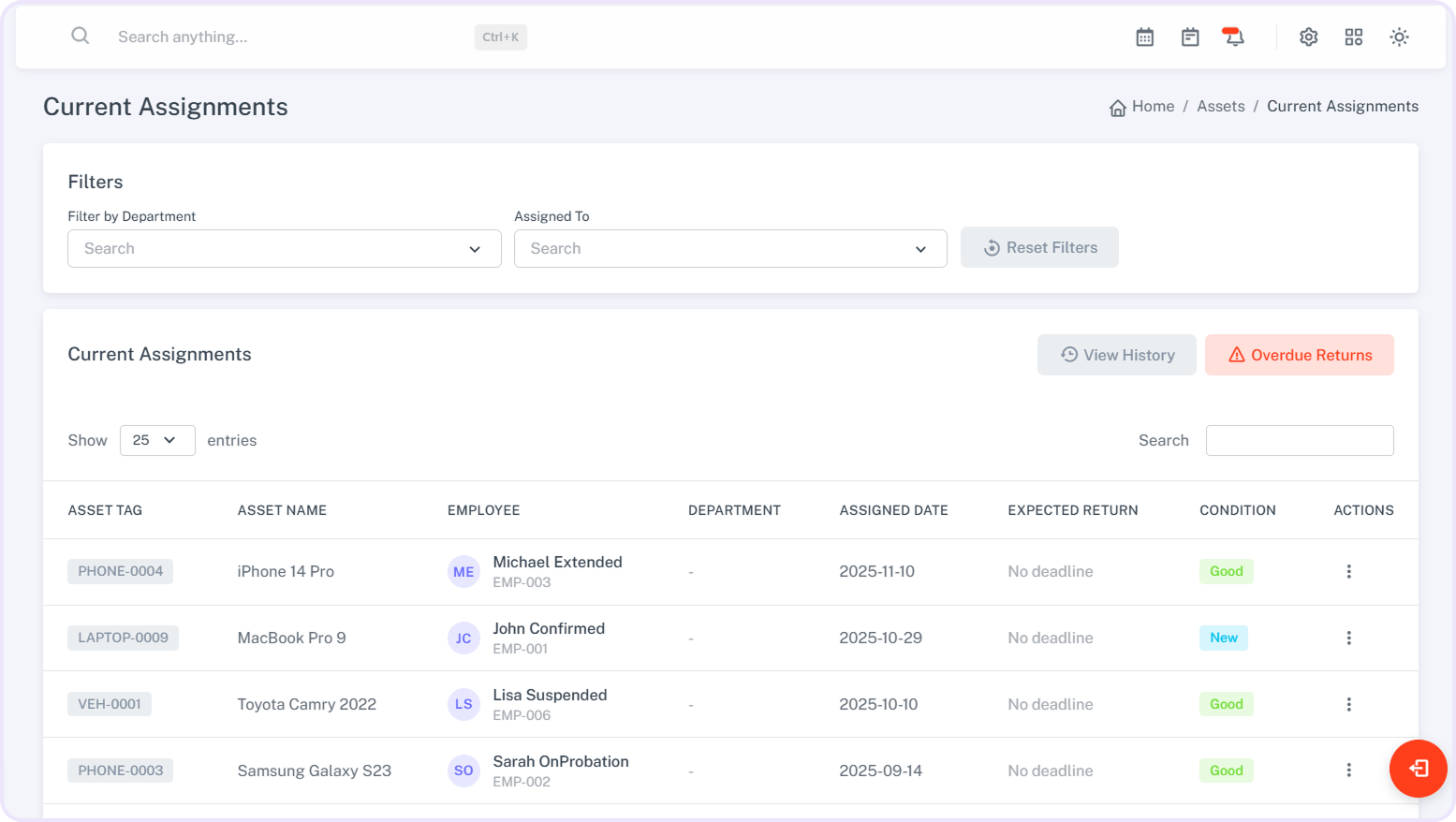
View current asset assignments for each employee clearly.
-
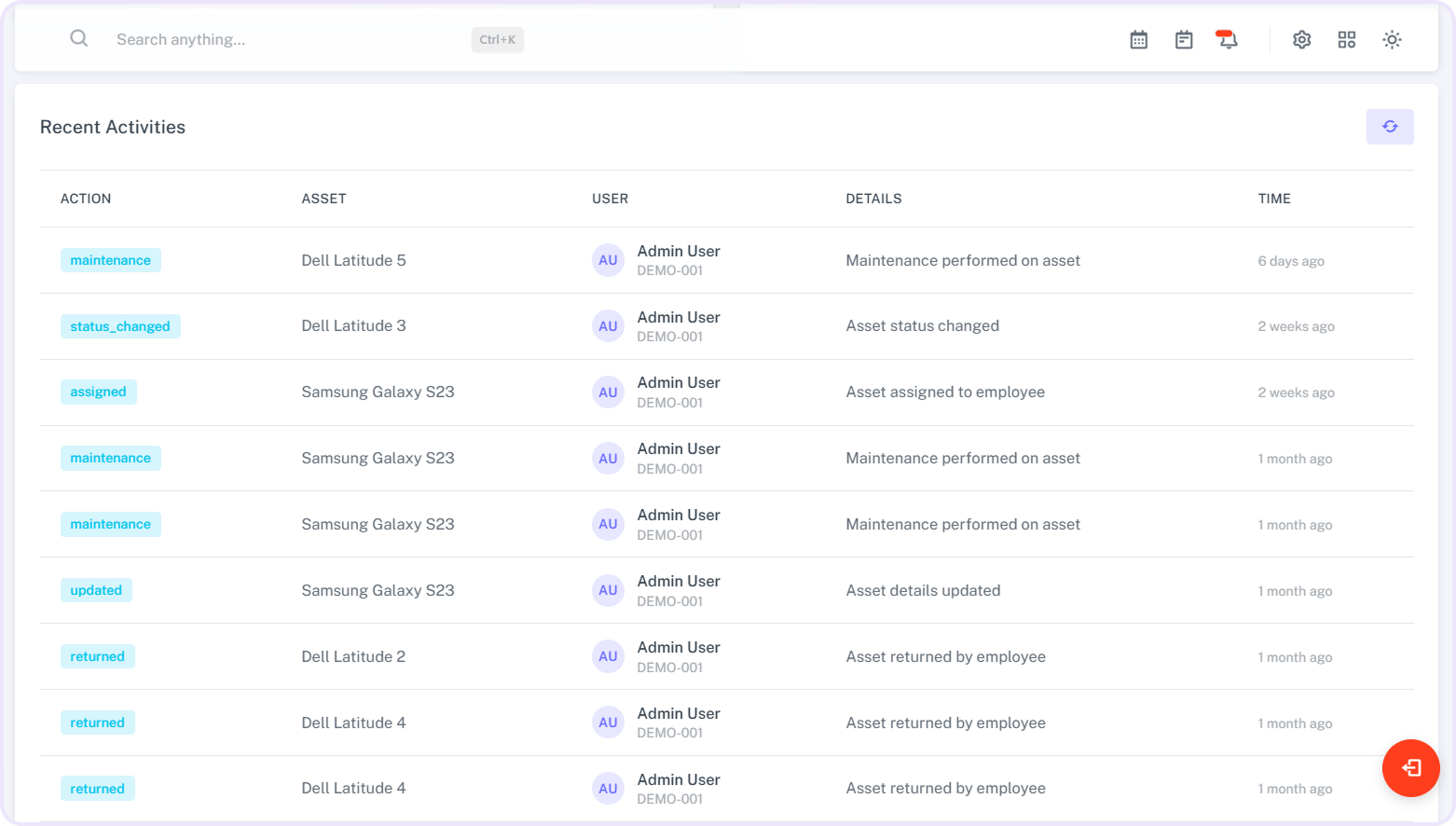
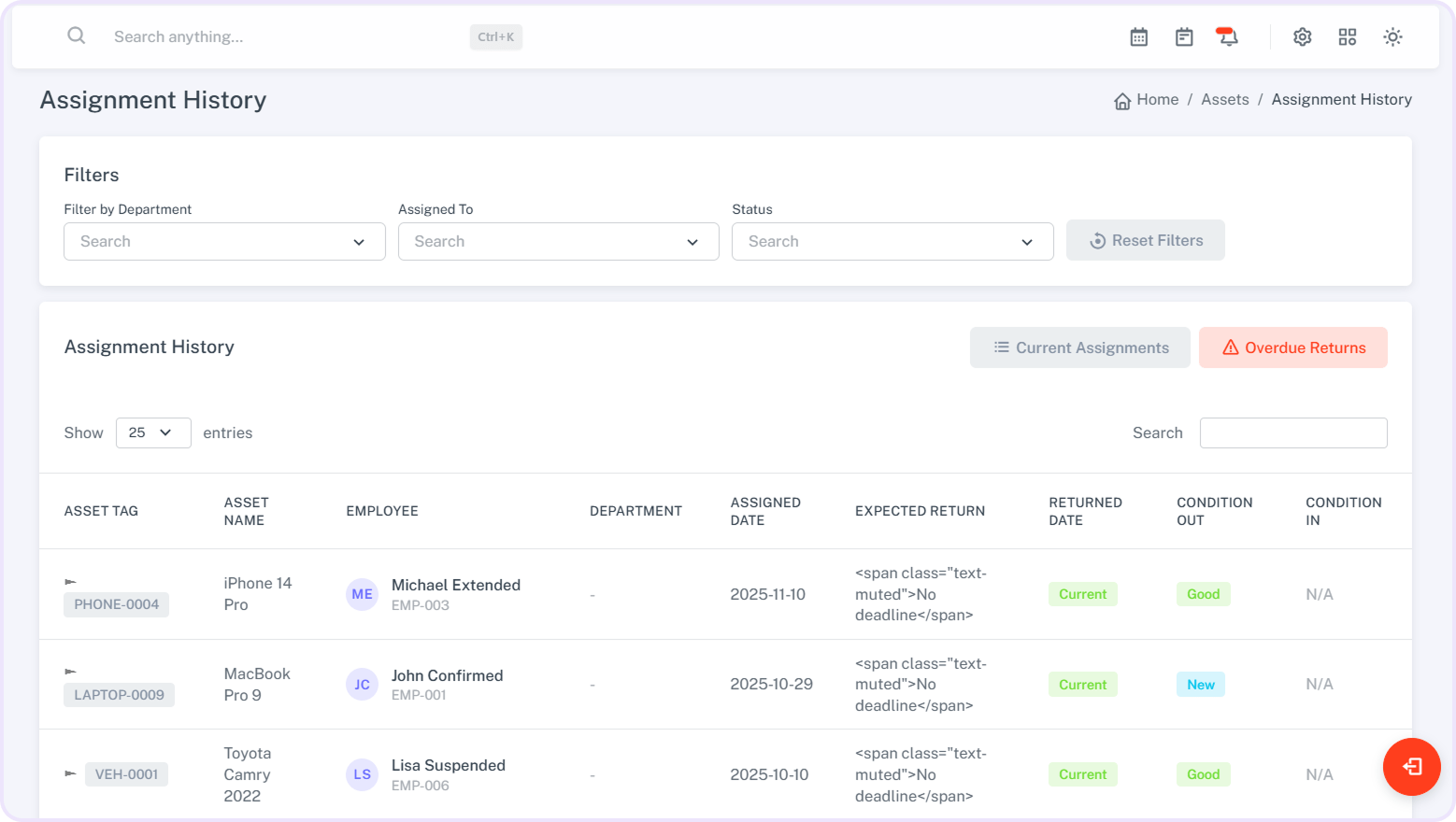
Track the history of all past asset assignments.
-
Monitor overdue asset returns at a glance.
-
Assign assets to employees individually or in bulk.
-
Update or remove assignments quickly when needed.
-
Ensure accountability with clear tracking of asset usage.
-
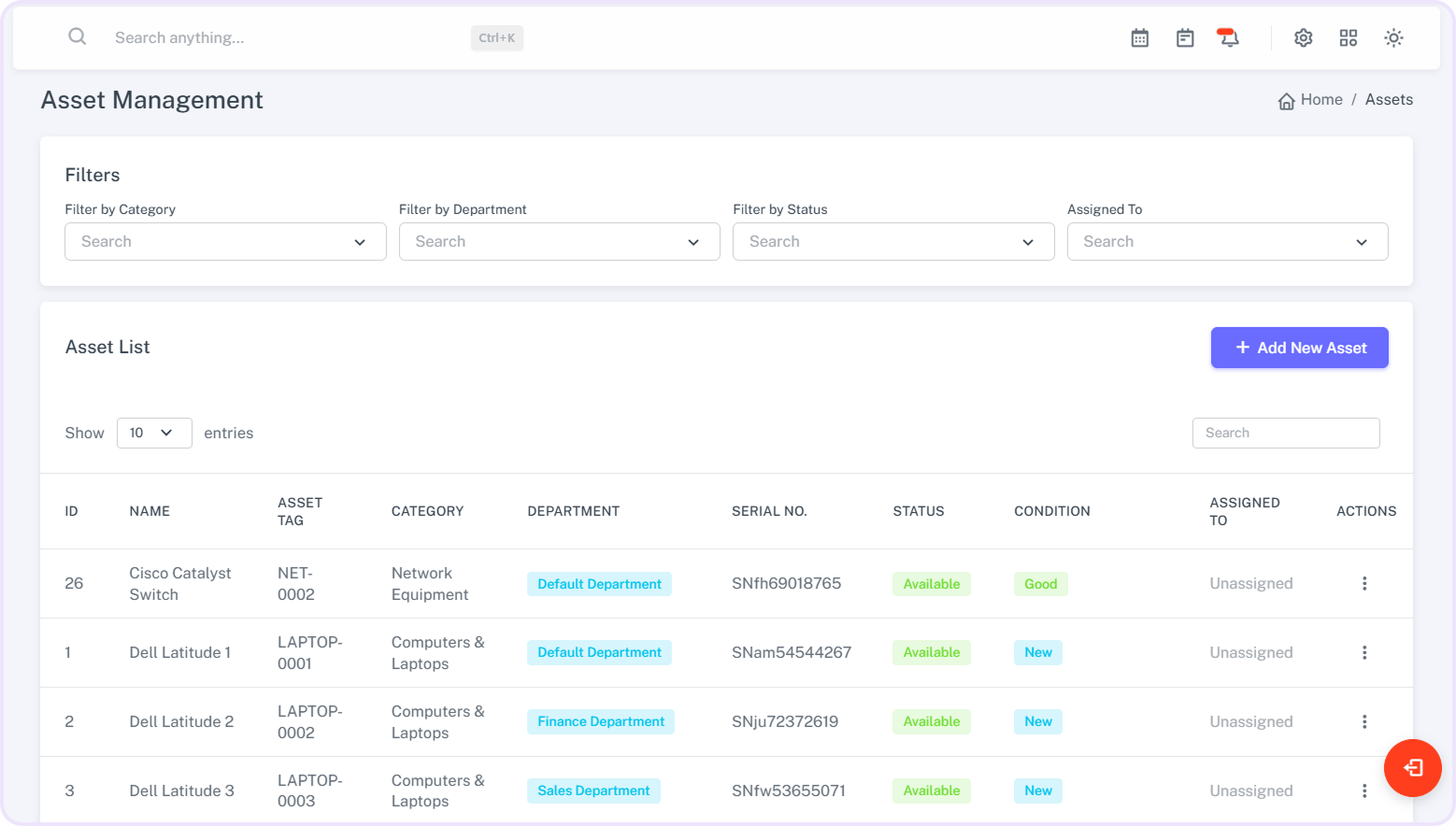
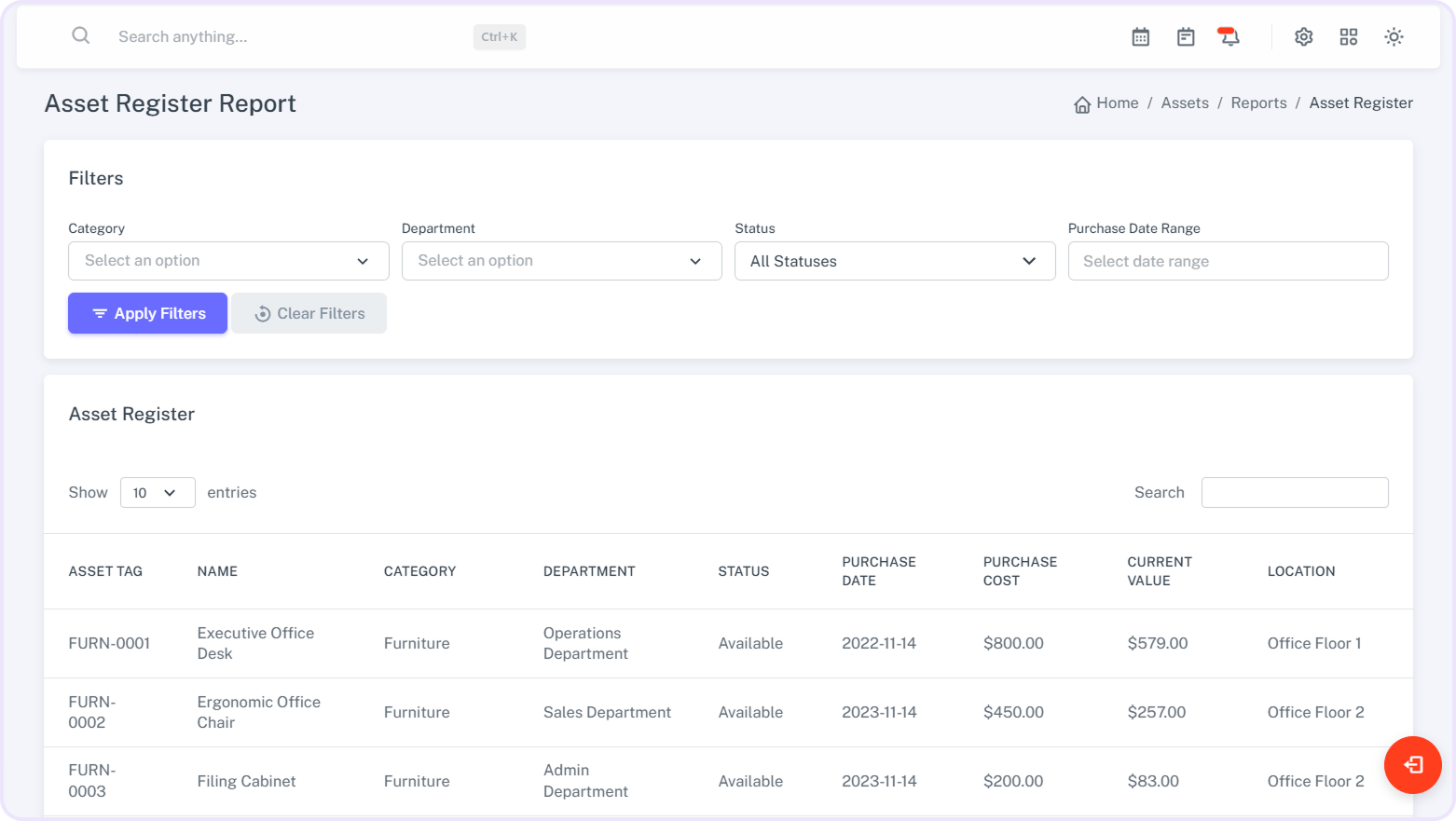
View a complete list of all registered assets.
-
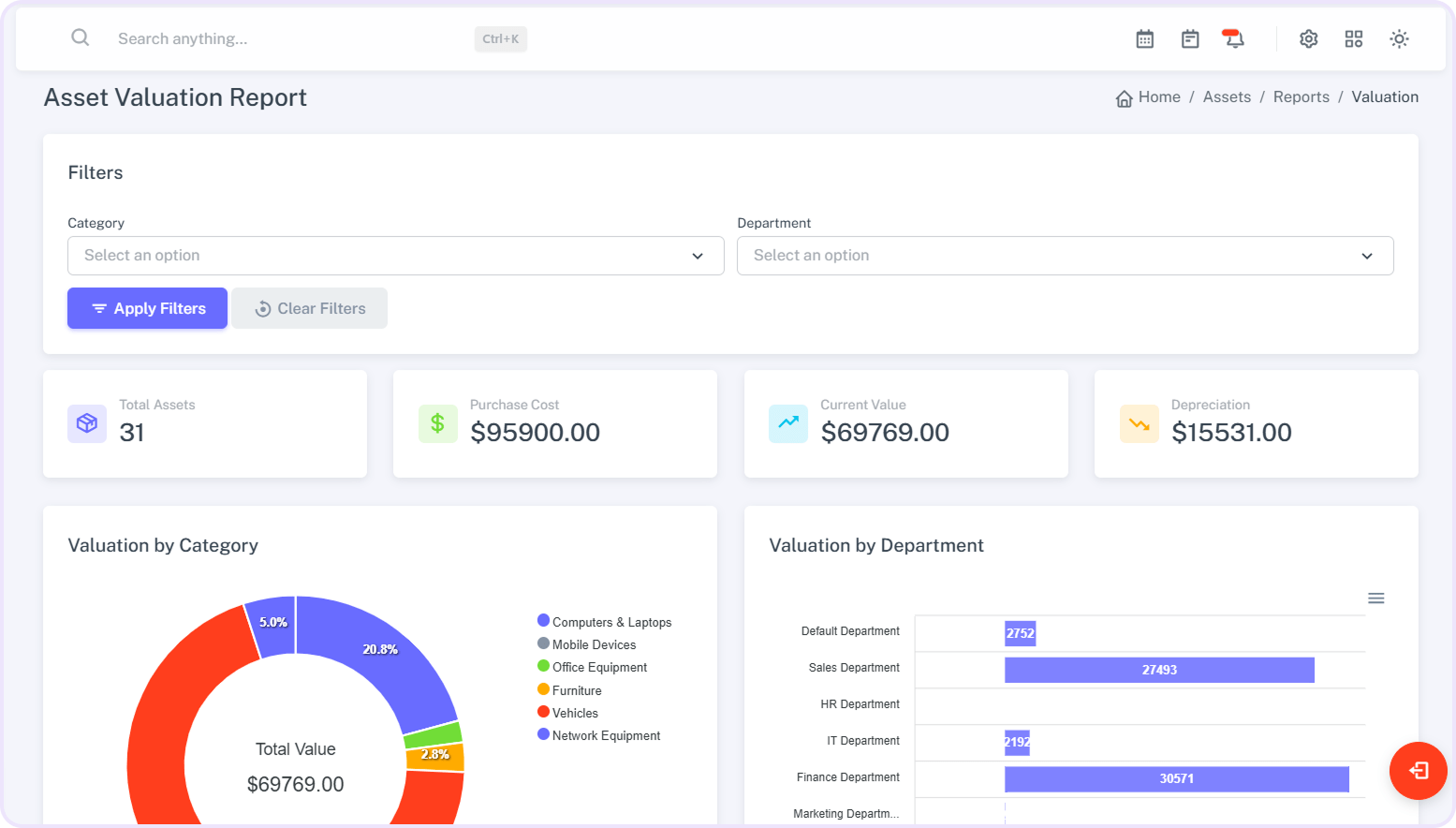
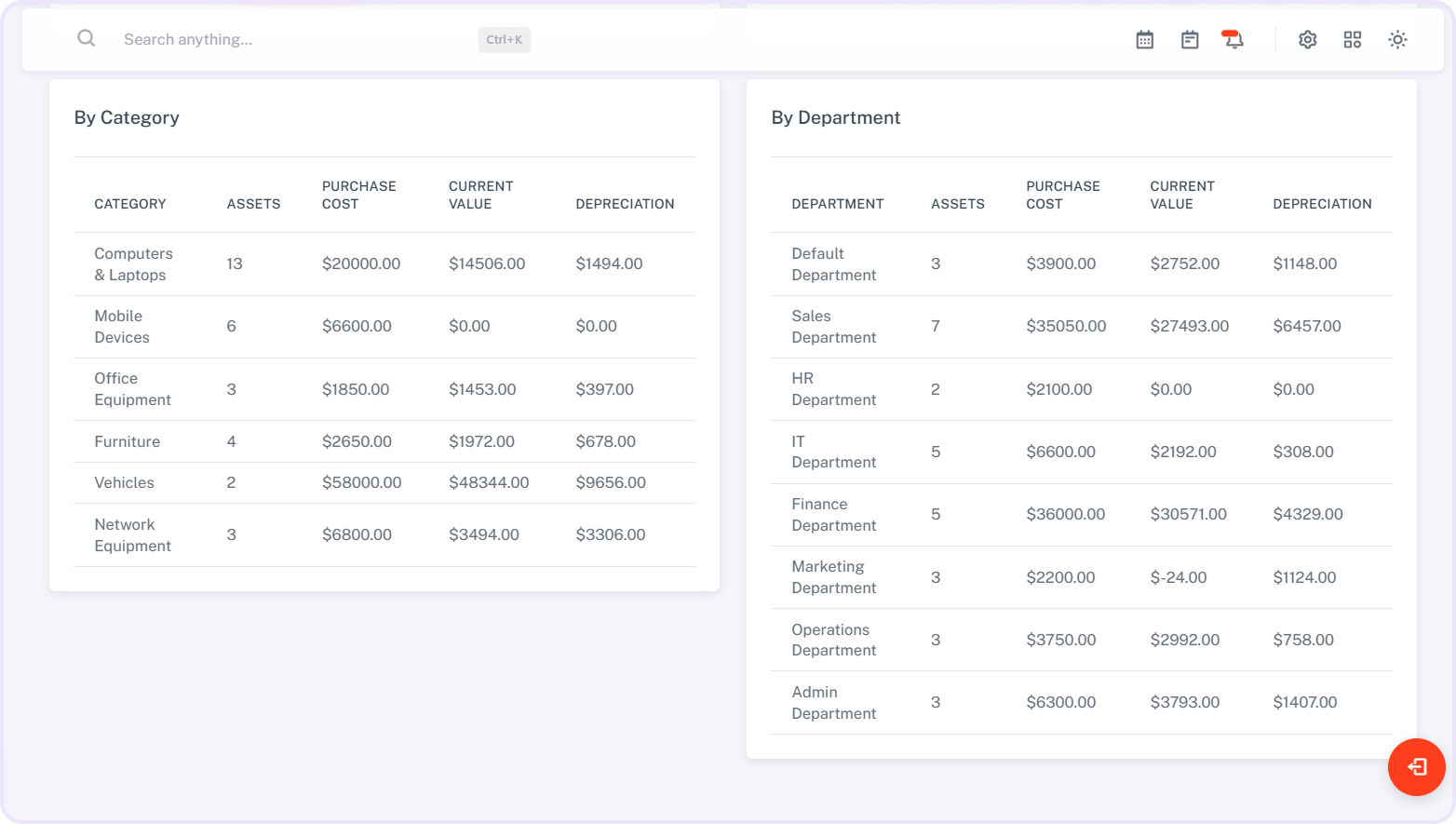
Check the valuation of assets for accurate accounting.
-
Track asset utilization to monitor efficiency.
-
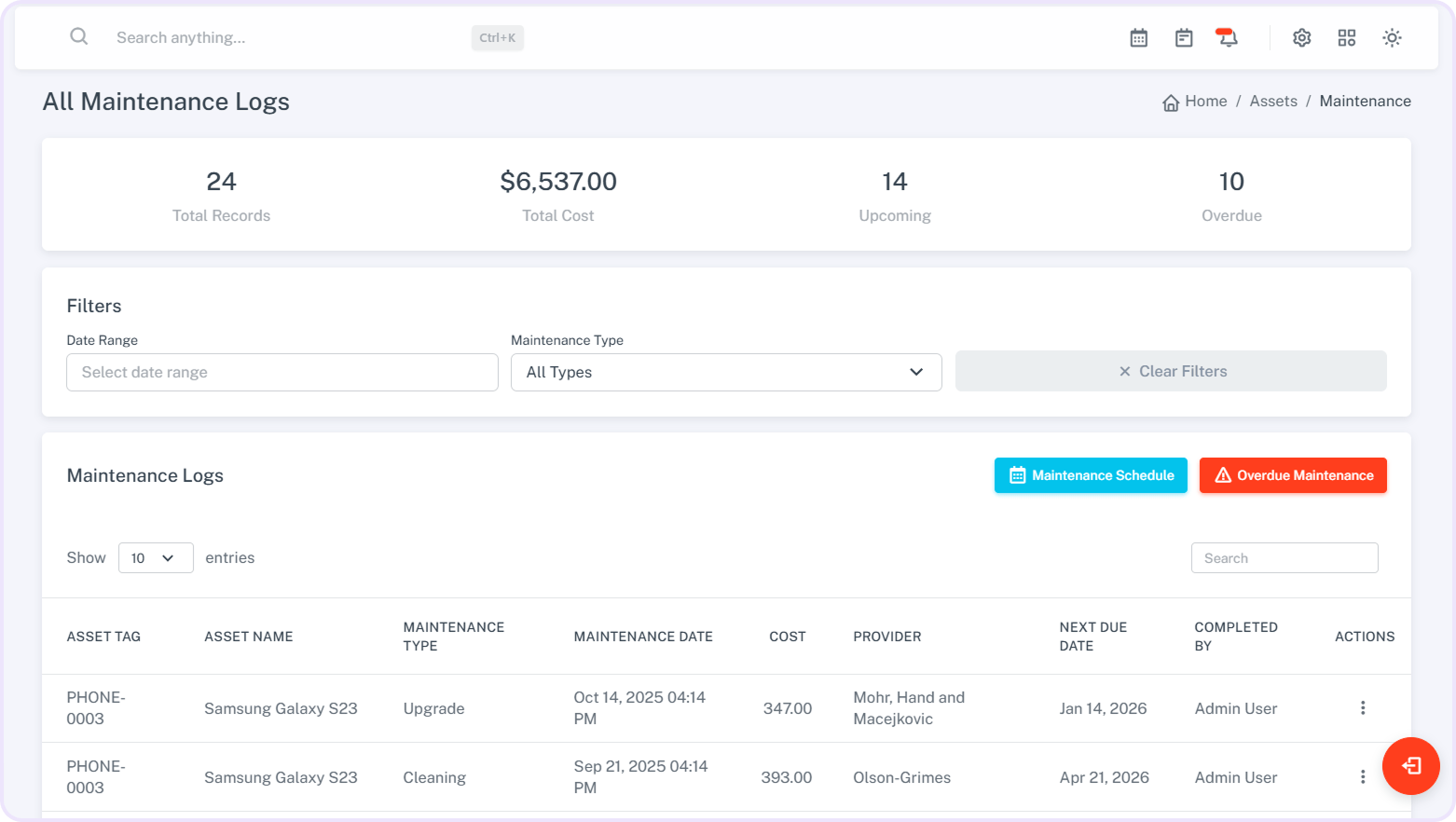
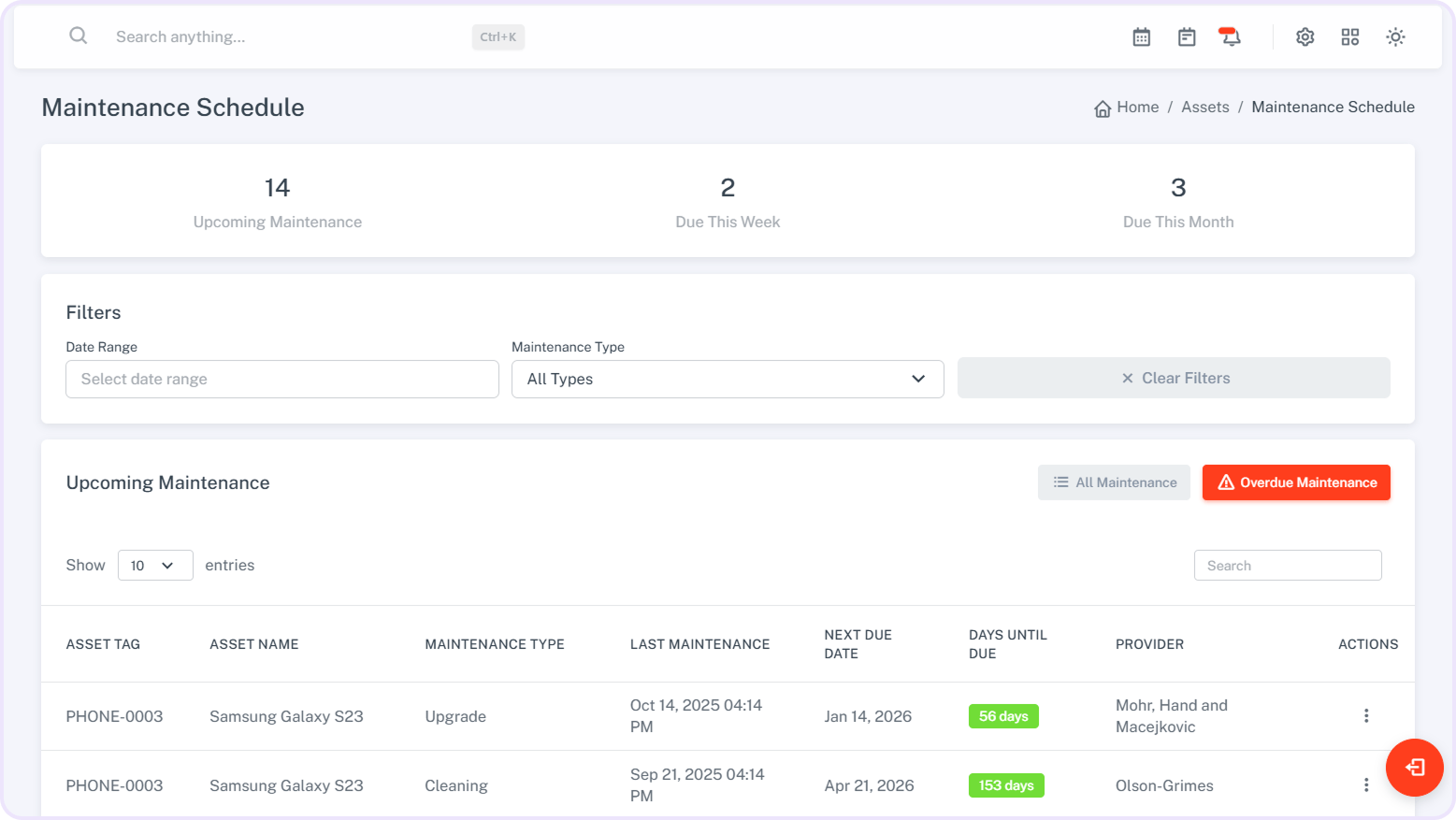
Analyze maintenance costs for better budgeting.
-
Monitor warranty and insurance details for each asset.
-
Generate clear and organized reports for informed decisions.
Smart.Simple.Sleek
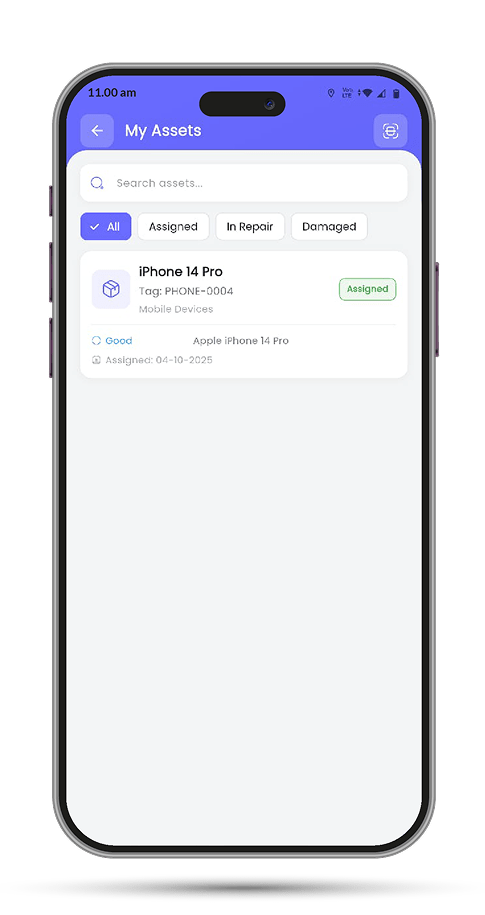
A Glimpse into App Screens
Addons are supported in both the Admin Panel and the Mobile App for smoother, faster work. For employee access on mobile, the Employee App must be purchased separately.
FAQs
Your Questions, Answered
Addons are extra modules that extend the core features. They let you customize and enhance the system based on your business needs
No, all addons are premium and are not included with the main product. Each addon is sold separately to let you choose only what your business needs.
Yes, all addons come with lifetime free updates to ensure compatibility and access to new improvements.
Yes, all addons need to be set up separately. You can easily configure them by following the step-by-step documentation provided.
Yes, the system highlights overdue returns so you can take timely action.