
Field service management software with HR built in
Give each technician a clear job list and keep proof of the work, then use the same hours for timesheets, overtime and leave. Jobs, site checks, attendance and approvals live in one app and one office inbox.
The live demo has every add-on switched on.
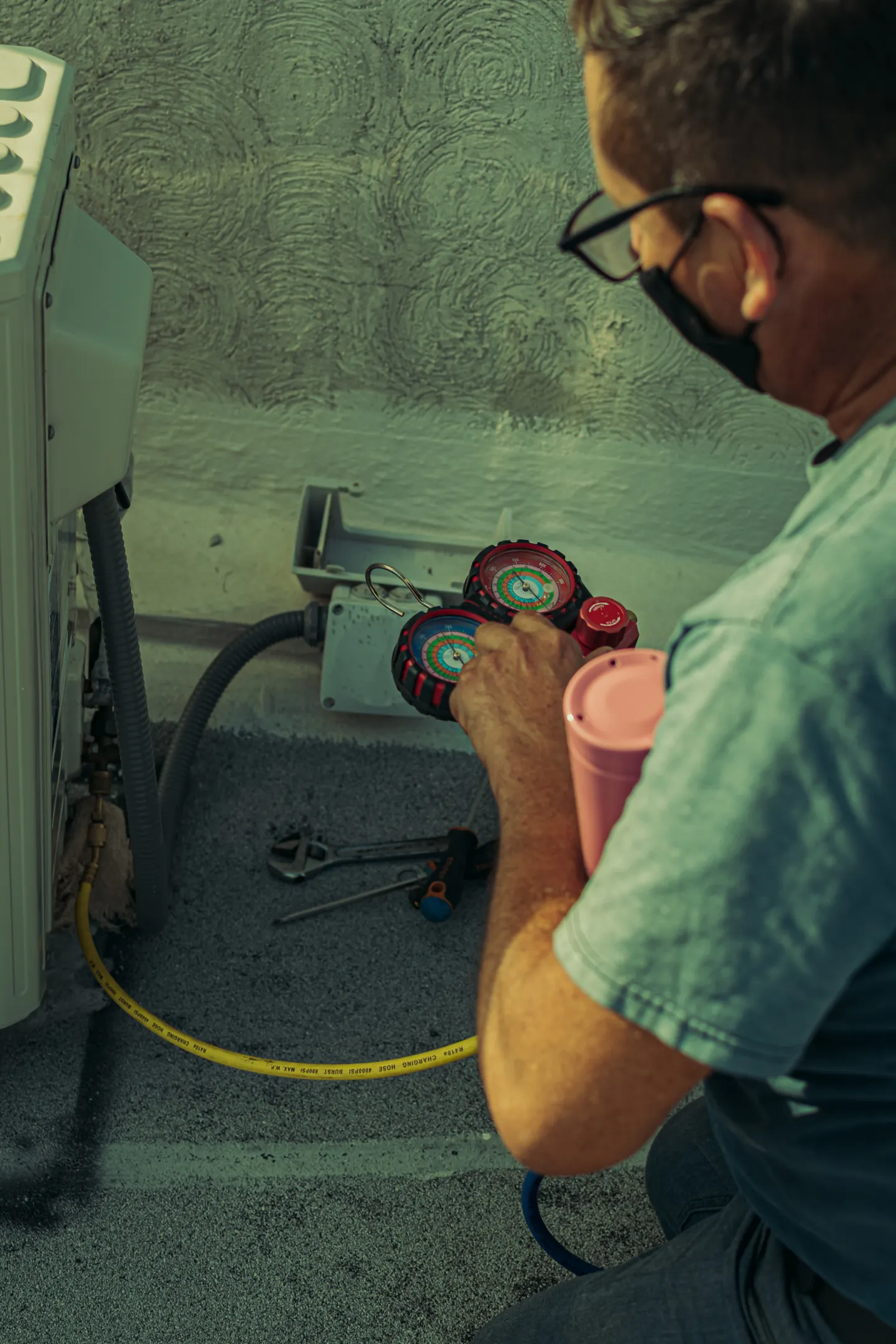
A working day in Open Core HR
What gets recorded, by whom and when, from the first check-in to the evening approvals.
Check-in and job list
The technician checks in on the registered phone and opens today's tasks, each with a due time, priority and notes from the dispatcher.
Arrival at the customer
The visit check-in records the location. With Geofence Attendance, you can also require check-in inside sites you draw on a map, such as a depot or a large client site.
Work with a checklist
The task checklist guides the job, and completion can require a photo, so the office sees the finished unit and not just a tick.
Site check form
Forms & Surveys records readings, yes or no checks and photos, linked to the customer and visit, and works offline in a plant room or basement.
Routine maintenance
Monthly service calls are repeating tasks, so the next occurrence is created on schedule with its own record.
Check-out and claims
The technician checks out, adds a parts receipt to an expense claim and submits mileage from the tracked distance.
Office review
The service manager reviews overdue tasks on the board, replays routes and approves claims, corrections and leave from one inbox.


What gets easier
- Customers disputing that the work was done.
- Visit records with time, location, notes and up to 10 photos, plus task completion that can require a photo.
- Preventive maintenance that slips through the cracks.
- Tasks that repeat daily, weekly or monthly, with overdue and due-today views for the office.
- Paper job sheets typed up days later.
- Forms & Surveys on the phone, with versioned forms so past answers never change.
- Timesheets that do not match the jobs.
- Attendance, visits and tasks come from the same app, so hours and jobs are recorded together.
For HR and the office
Technician files, certificates in Employee Documents, shifts, leave balances, expenses and loans stay in one place. Employee training tracks safety refreshers with quizzes or supervisor sign-off, and with Payroll the hours worked become overtime and payslips.
For the people in the field
Each customer has a record with location, territory and visit history. Technicians check in at the job, work through task checklists, fill in site checks and check out, even where there is no signal. Managers follow the day on a live map that refreshes every 30 seconds.
A suggested setup
Start with Core and add only what this kind of team uses. Every add-on is a one-time purchase, and you can add more later.
This setup from $455, one time
No per-employee fee. Updates and support renew yearly if you want them.
Build this setup- CoreEmployees, attendance, leave, expenses, approvals, customer visits and live tracking.$99
- المهامأسند العمل إلى زملائك بمواعيد وأولويات، وتابع التقدم عبر خط زمني للتحديثات.$129
- النماذج والاستبياناتابنِ نماذج لاستبيانات العملاء وتفتيش المواقع والفحوص الميدانية، واجمع الإجابات عبر الويب أو الجوال، وراجع كل رد ضمن سياق العميل والزيارة.$129
- الحضور بالسياج الجغرافياقبل تسجيل الحضور والانصراف فقط داخل المواقع التي ترسمها على الخريطة، مثل المكاتب والمستودعات ومواقع العملاء.$49
- الحضور بالصورة الشخصيةأضف صورة خاصة إلى تسجيل الحضور، مع مراجعة مقيدة ومدة احتفاظ تحددها.$49
Questions people ask
Can a dispatcher assign jobs to technicians?
Yes. With the Tasks add-on, jobs are assigned with a due date and time, priority and notes, and progress shows on a shared task board.
Does it include quotes, invoicing or parts inventory?
No. Open Core HR covers people, attendance, visits, tasks and site forms. Quotes, invoices and stock stay in your own systems.
Can technicians work without a signal?
Yes. Visits, check-ins and task updates are saved on the phone with their original times and sent when the connection returns, within 24 hours.
Do we pay per technician?
No. Open Core HR is a one-time license per installation, with no per-employee fee. You pay for your own server.
Is the technician tracked when off duty?
No. Live tracking runs only during an attendance session and stops at check-out.
CZ App Studio
امنح فريقك بيئة عمل أفضل.
أخبرنا كيف تعمل شركتك. نساعدك على اختيار Core والإضافات وطريقة التثبيت المناسبة.