
One app for the office, the warehouse and the road.
The same app handles check-in, leave, expenses, payslips, visits and approvals. Each person sees the shortcuts and cards that match their role, and work done without a signal is queued and sent when the connection returns. It runs on phones and tablets, with a layout made for each.


Five tabs, and every feature has one home
Today, Calendar, Work, Inbox and Me keep the app familiar on a phone or a tablet, whether someone uses three features or thirty.
-
Five tabs Today, Calendar, Work, Inbox and Me, the same for every role.
-
Today The workday card, shortcuts and cards such as next customer stop, team today and needs attention.
-
Work hub with search Every feature grouped into workday, pay and expenses, your records and your team.
-
Connect Chat, calls, feed, mail and people together, when those add-ons are enabled.
-
Screens for every add-on Payslips, loans, assets, documents, policies, tasks, forms, orders, collections, targets and more appear with their add-ons.


A tablet layout, not a stretched phone
On an iPad or Android tablet the tabs move to a side rail and lists open their records alongside, so a manager can work through approvals without losing their place.
-
Made for tablets too On a tablet the tabs move to a side rail, Today and Work use two columns, and Calendar shows the month beside the chosen day.
-
List and detail side by side Choose a request, a chat or a setting on a tablet and it opens beside the list, with the open row highlighted.
-
Portrait or landscape Turn the tablet either way and the app keeps your place.


A Today screen that fits each role
HR, managers, field reps and employees each open the app to the cards and shortcuts they need first.
-
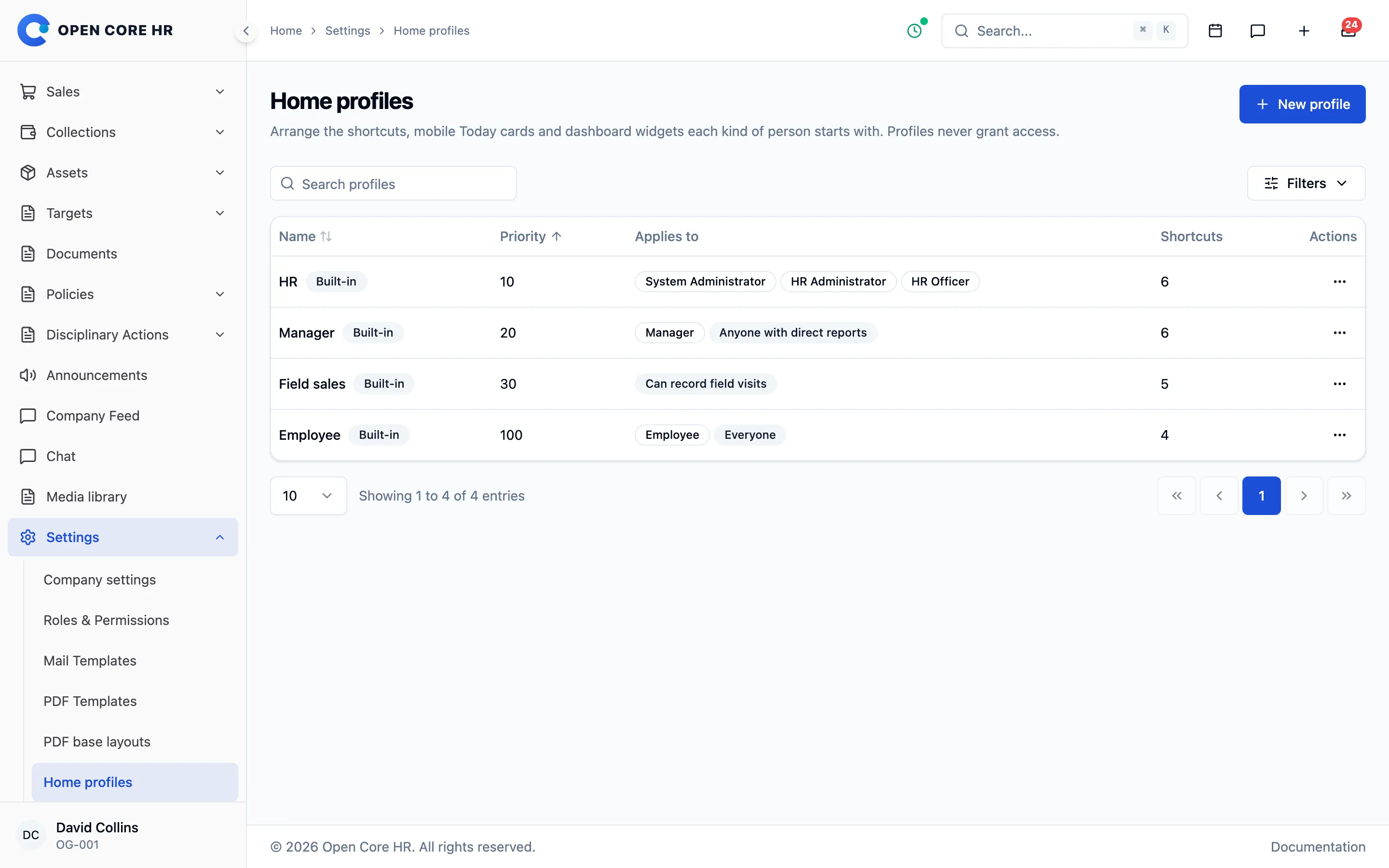
Role-based home profiles HR, manager, field sales and employee profiles, plus your own, decide the cards each person sees.
-
Editable shortcuts Up to four shortcuts, shared with the person’s favourites on the web.


The whole workday, from one phone
Check in, share location during the shift, visit customers and handle leave, expenses and payslips without opening a browser.
-
Check-in sheet Lists what will be recorded, such as shift, location, selfie and phone registration, before you confirm.
-
Location sharing status A status card shows when location is shared during the shift, with a button to turn it back on.
-
Full self-service Leave, comp-offs, expenses, holidays and attendance history from the Work tab.
-
Ask HR in the mobile app Add-on The same assistant on Android and iOS, for staff who never sit at a desk.
-
Field work and team field work Reps run their visits, and managers follow the team’s field work for the day.


Approve requests between meetings
Managers decide on leave, expenses, plans and more from the Inbox tab, and follow the team’s leave from their phone.
-
Approvals on mobile Approve or reject leave, comp-offs, expenses, plans and more from the Inbox tab.
-
Leave management for managers A leave dashboard for the team on the phone.


Keeps working without a signal
Check-ins, visits, tasks, orders, payments and forms are saved on the phone and sent when the connection returns, with a clear sync status.
-
Offline queue with sync status A coloured cloud icon shows whether everything has been sent or what is still waiting.
-
Recorded at the moment of the tap Offline actions keep the time they happened, with a 24-hour limit.
-
Secure sessions Signed sessions and an encrypted offline store for each account and server.
Calendar, theme and language, your way
Each person chooses their calendar view, light or dark appearance and the language the app speaks.
-
Month, two-week and week views Create events and reply to invitations from the Calendar tab.
-
Light, dark or system Each person chooses the app’s appearance.
-
Your own language Each person picks from 25+ included languages, with right-to-left layouts for Arabic.


You decide which app versions may connect
Set minimum versions, force updates or show a maintenance message, and get a diagnostics report when someone needs help.
-
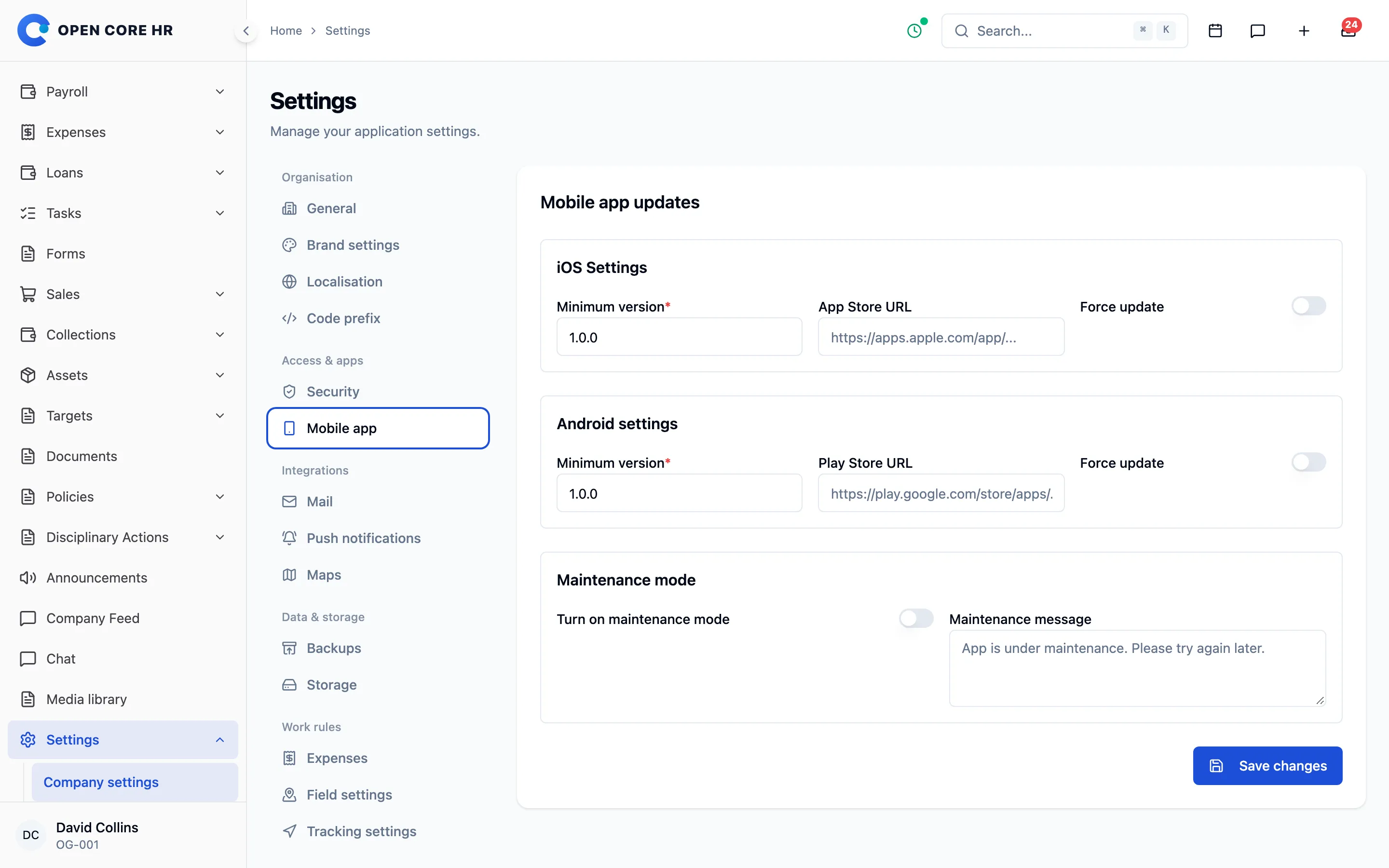
Minimum versions and maintenance Set minimum Android and iOS versions, force an update or show a maintenance message.
-
Diagnostics report Tracking state, queued items and permissions, shared with your support team in one tap.
-
Account deletion request Employees can ask for their account to be deleted, as the app stores require.
-
Published under your name You build the Android and iOS app from the source and publish it under your own brand.


Explore every part of Open Core HR
CZ App Studio
Give your people a better place to work.
Tell us how your company works. We’ll help you find the right Core, add-ons and installation approach.