
Your server, your rules, your data.
Decide who sees what, set up approval chains and brand the product as your own. Back up and update from the browser, move data in and out with spreadsheets, and connect other systems with signed webhooks.
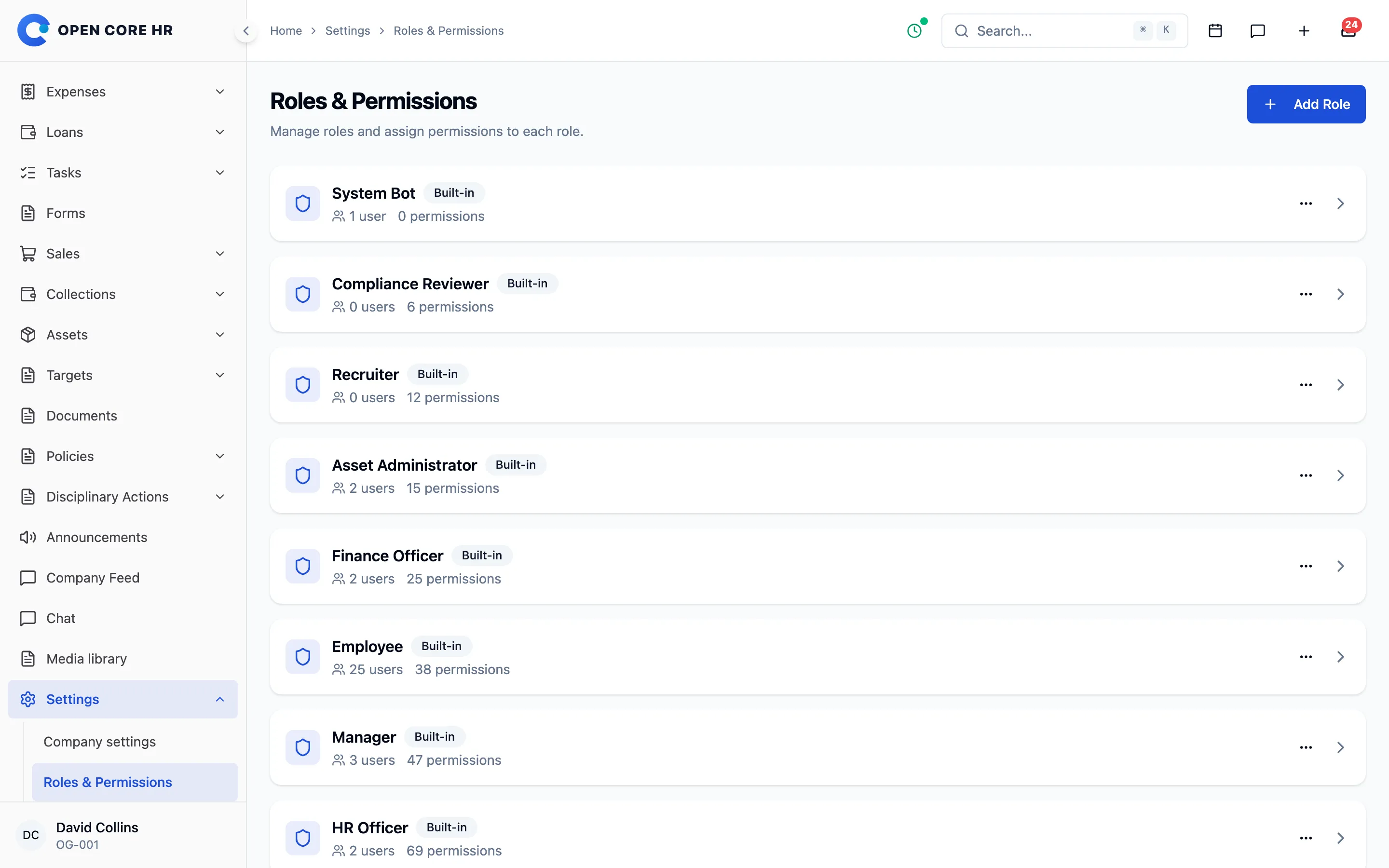
Decide who sees what, and who approves
Roles give access to your own records, your team or the whole company, and approval workflows set who decides each kind of request.
-
Roles and permissions Each permission is scoped to self, team or company, with group toggles to set many at once.
-
Nine ready-made roles System admin, HR admin, HR officer, manager, employee, finance, asset admin, recruiter and compliance reviewer.
-
Web and app access Choose per role whether people can sign in to the web portal, the mobile app or both.
-
Approval workflows One workflow per request type, with ordered levels by role that you switch on or off.
-
Home profiles Decide what each kind of person sees first on the web and in the app.
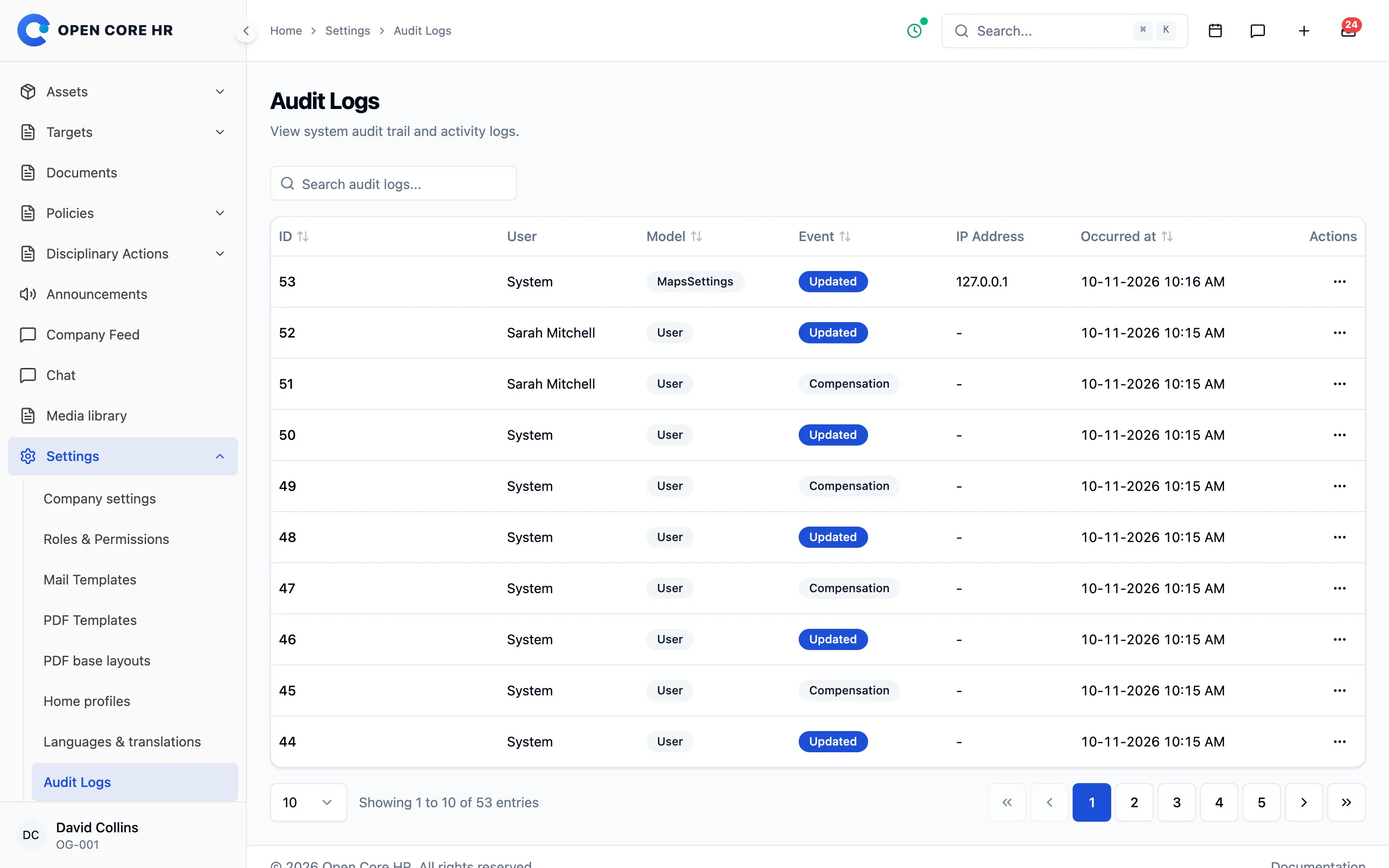
A record of every change
Audit logs show who changed what, when and from where, with the old and new values side by side.
-
Audit logs Who, what, when, IP address and browser, with an old and new value comparison and settings changes tagged.
-
reCAPTCHA on web login Google reCAPTCHA v2 or v3 on the sign-in page, with a command-line recovery if you lock yourself out.
-
Passkey sign-in on the web Sign in with a fingerprint, face or screen lock instead of a password. People add and remove passkeys from their profile.
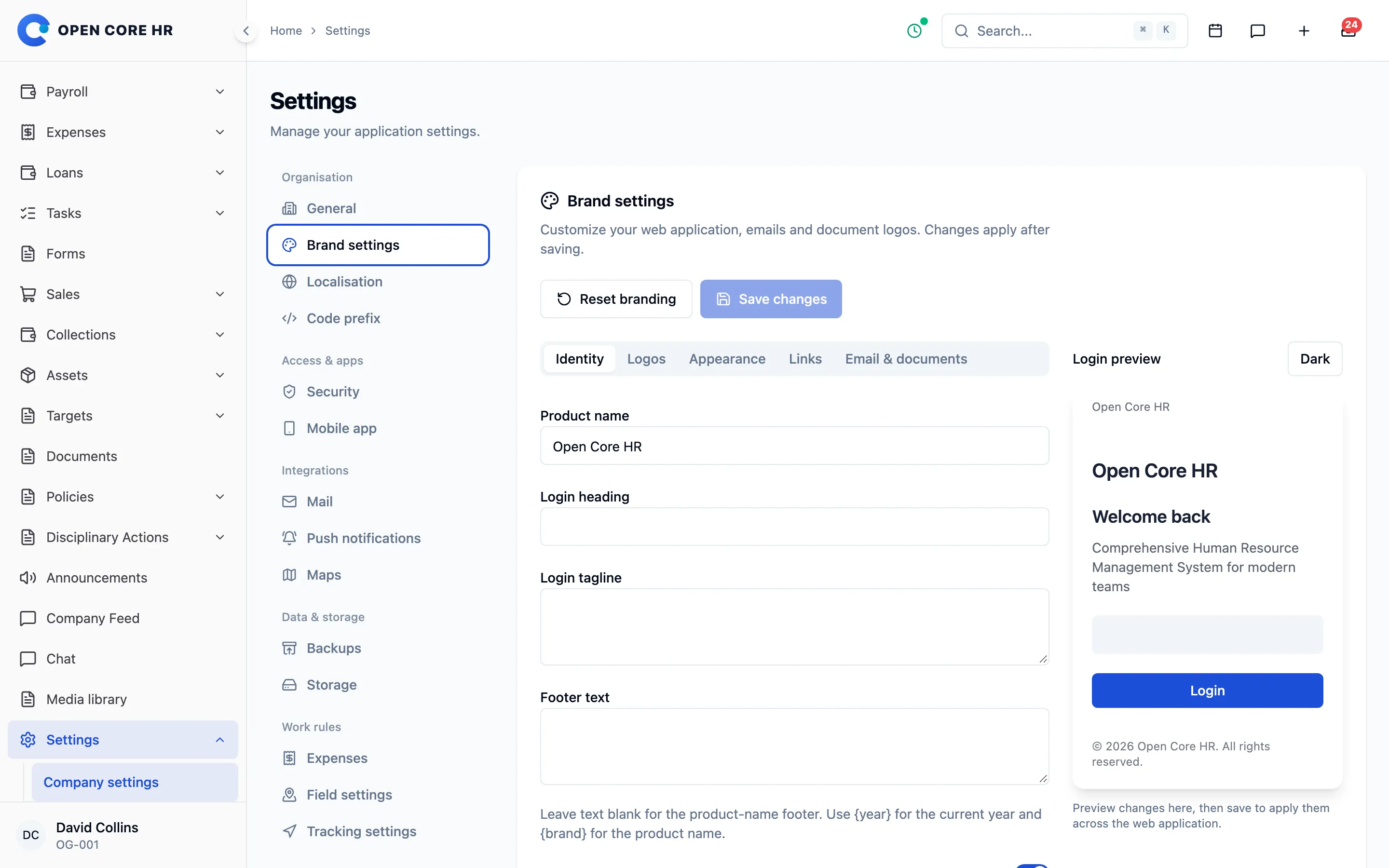
Make it look and read like your company
Set your name, logos, colours, formats and letter templates in the browser, with no rebuild needed.
-
Company settings Company details, attendance rules and the letter signatory.
-
Settings → AI Connect the AI provider once, test it and see which features your model can run.
-
Searchable settings One grouped Settings menu with search, in plain names, that keeps the open section in the address.
-
Your brand Product name, light and dark logos, icon, colours, login text, footer and legal links.
-
Local formats and currency Currency and number formats including Indian grouping, timezone, date formats, distance unit and phone rules.
-
Country defaults Choose a country and its currency, time zone, formats, first day of the week, distance unit and dialling code are suggested.
-
Code formats The format of employee and customer codes.
-
Mail and PDF templates per language Template variants with preview and attachments, and letters kept by version.
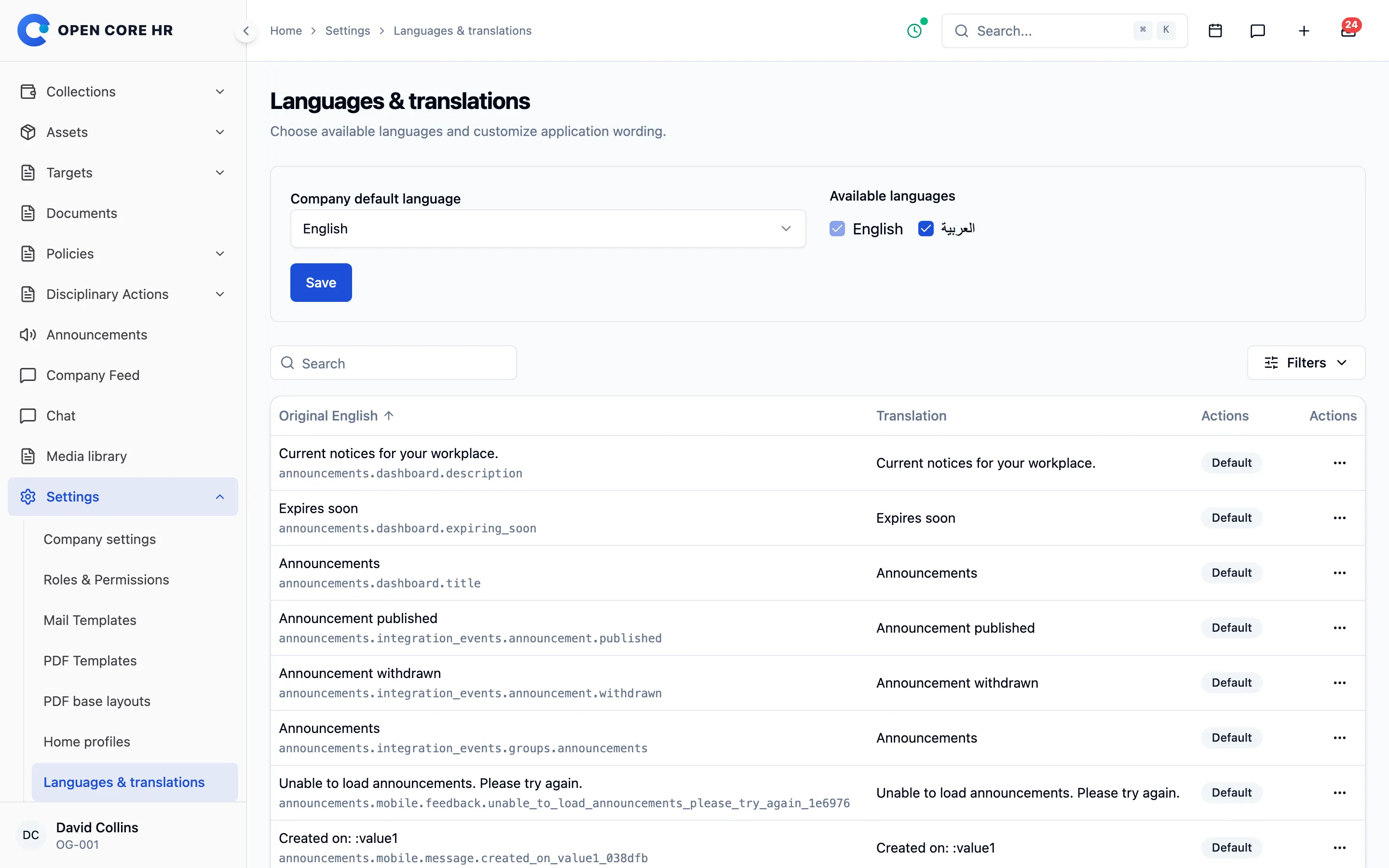
Your team works in its own language
25+ languages are included, with right-to-left layouts, and you can change any word on the web, in the app or in emails.
-
25+ languages included Choose a default language and enable others, and each person picks their own on the web and in the app.
-
Translation editor Change any web, mobile or email wording, with plural forms and restore to default.
Connect your own mail, storage and maps
Choose your mail provider, push notifications, maps keys and file storage, and test each connection before you switch.
-
Mail SMTP presets, an encrypted password and a test send.
-
Push notifications Connect your Firebase service account for app notifications.
-
Maps Your own Google Maps keys for the browser and for place search.
-
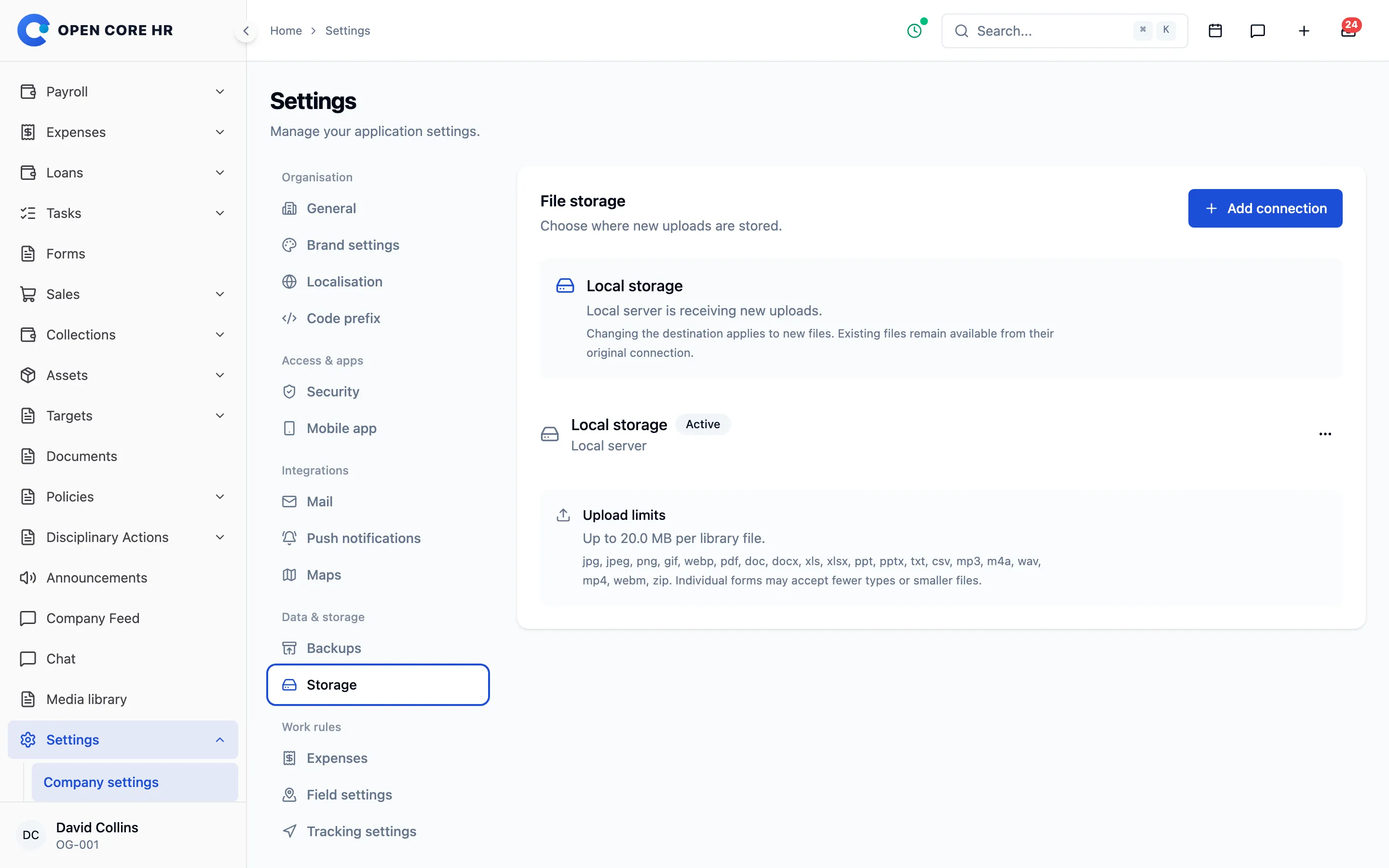
File storage Local disk, Amazon S3, Wasabi, Cloudflare R2 or any S3-compatible store, tested before activation.
-
Mobile app settings Minimum versions, store links, forced updates and maintenance mode.
-
Field and expense settings Visit boundaries, GPS accuracy, unplanned visits, tracking retention and maximum expense age.
Back up and update from the browser
Nightly backups, one-click updates with rollback and an add-on manager keep the installation current without a server session.
-
Backups A nightly database backup with pruning, and a full backup of data, uploads and settings to download.
-
In-app updates with rollback Prepare, back up, apply and finish an update, or roll it back, from the browser.
-
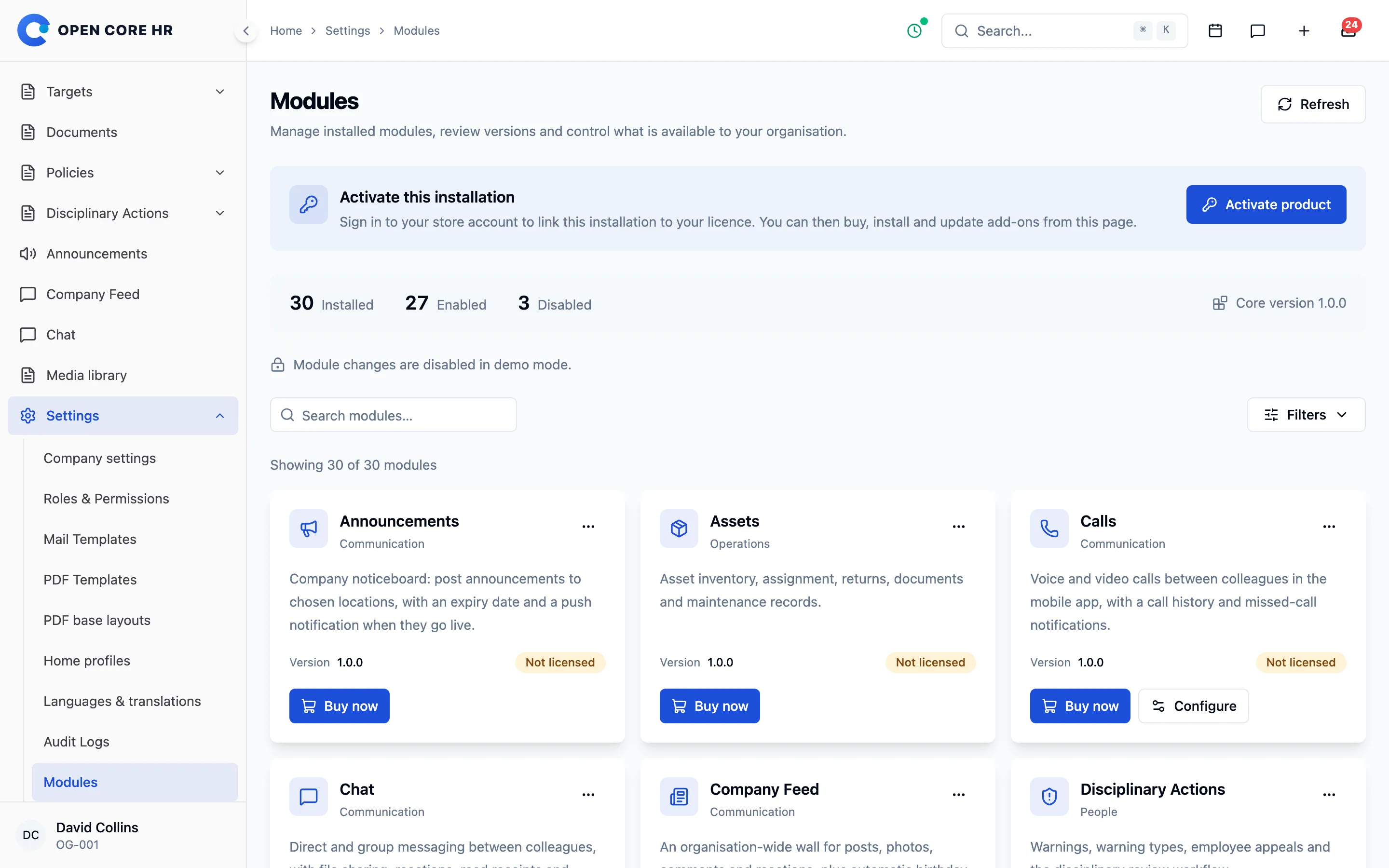
Add-on manager Install, enable and disable purchased add-ons, and you cannot disable one that is still in use.
-
Licence activation Activate, refresh or remove your licence against your CZ App Studio account.
-
Health check One command checks the installation and reports what needs fixing.
Bring data in, take it out any time
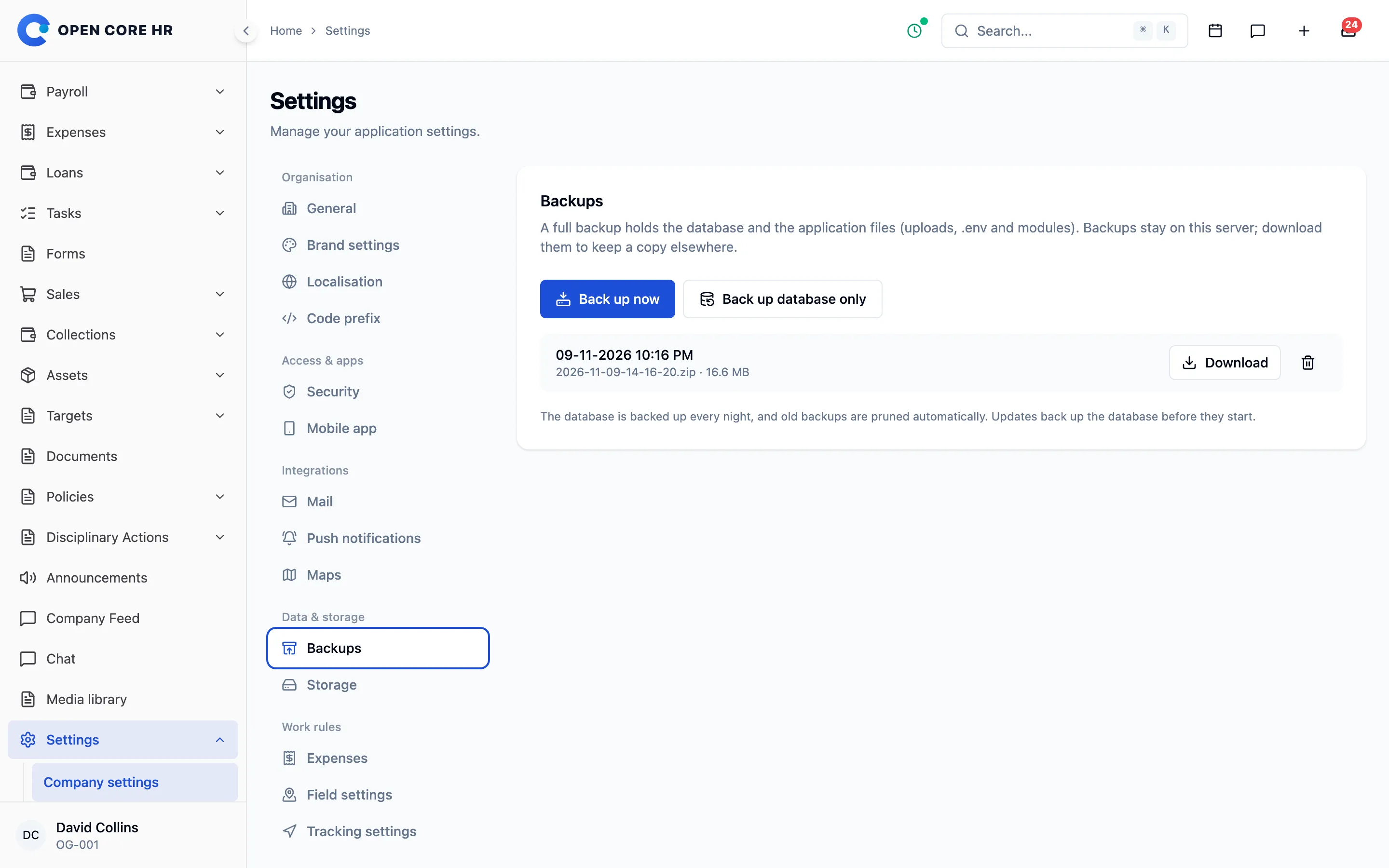
Import employees and setup data from spreadsheets with a preview first, and export reports and registers in the background.
-
Import and export hub Add-on Background Excel and CSV jobs, checked before they apply, with history and downloads for 7 days.
-
Setup imports Add-on Departments, designations, locations, shifts, leave types and add-on categories from spreadsheets.
-
Employee import and export Add-on Create employees from a spreadsheet with invitations, and export only the columns you may see.
-
Holidays and leave balances Add-on Import and export holidays and opening leave balances in bulk.
-
Assets, jobs, applicants and tasks Add-on Bulk create records under the same rules as creating them by hand.
-
Attendance, leave and expense reports Add-on Period reports as Excel or CSV.
-
Register exports Add-on Recruitment, lifecycle, loans, tasks, documents, assets, policies, disciplinary, comp-offs, approvals and audit data.
Connect your other systems and your website
Signed webhooks tell other systems what changed, the careers API feeds your website, and a public landing page can live on the same domain.
-
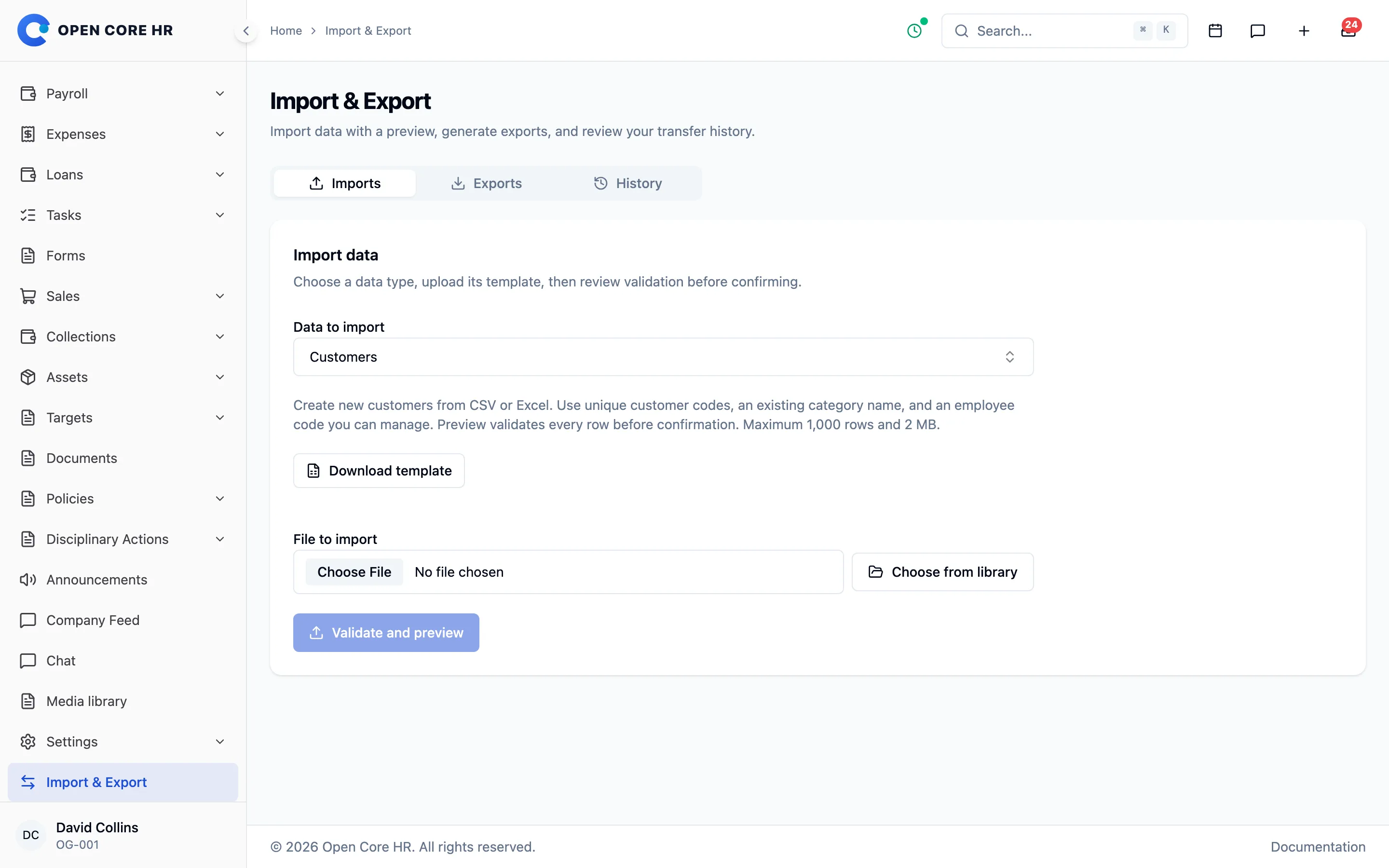
Signed webhooks Add-on Signed HTTPS messages for events in more than 20 areas, from employees and attendance to payroll and recruitment.
-
Webhook tools Add-on Send a sample, read delivery history, pause, retry and rotate the secret.
-
Careers API Add-on Your own website lists jobs, accepts applications and shows status, using scoped tokens.
-
Public landing page Add-on A page for your company with hero, gallery, testimonials and highlights, previewed before you publish.
-
Extra pages and menus Add-on About, privacy or terms pages, a header menu and social links on every public page.
-
Search and sharing Add-on Title, description, share image, a sitemap and search console verification.
-
Enquiries and newsletter Add-on A contact form with replies to the visitor, and newsletter signups with double opt-in.
The source code, on your own server
You get the full source, install it on a VPS or cPanel host, and can set it up with your AI agent for free using our agent-readable docs.
-
Full source code The Laravel, React and Flutter source, organised into modules you can extend.
-
Self-hosted on VPS or cPanel Documented installation on a Linux VPS, a cPanel host or other platforms.
-
Free AI-assisted setup Every download includes an agent kit that points your AI agent at our docs to install and configure it.
-
Manual and offline docs An in-app link to the manual, plus a PDF and an offline HTML copy.
-
Sample company Load a sample company to try every feature before you enter your own data.
Explore every part of Open Core HR
CZ App Studio
Give your people a better place to work.
Tell us how your company works. We’ll help you find the right Core, add-ons and installation approach.