
Home care staff scheduling and visit tracking software
Know that each client visit happened, when it started and how long it took. Caregivers check in at the home on their phone and add visit notes, and the office uses the same records for rosters, leave, mileage and pay.
The live demo has every add-on switched on.
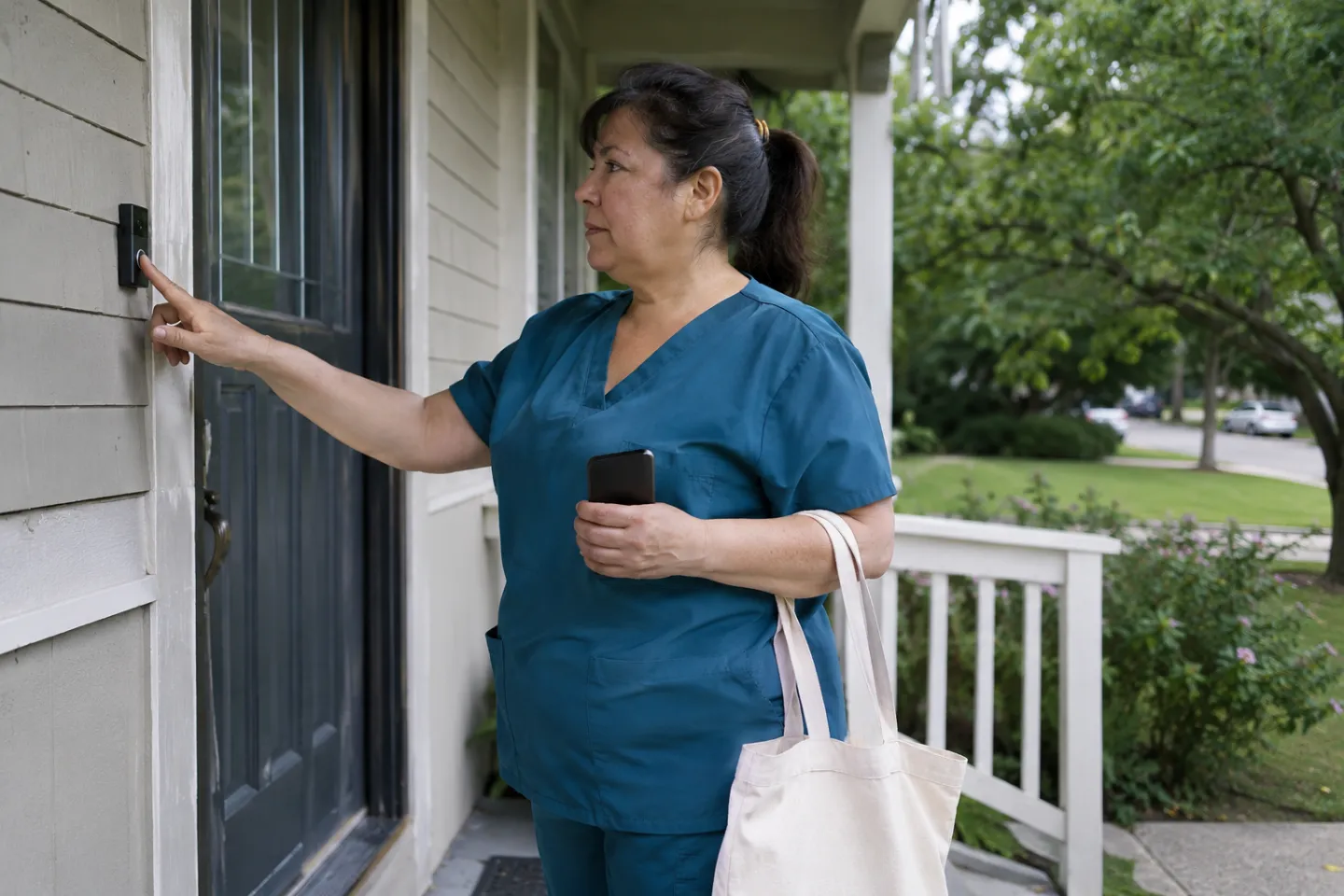
A working day in Open Core HR
What gets recorded, by whom and when, from the first check-in to the evening approvals.
Start of the round
The caregiver checks in on the registered phone. Live tracking runs only during this working session.
Today's visits
Journey Plans turned each caregiver's approved weekly round into scheduled visits, with clients in the order they should be seen.
First client visit
The caregiver checks in at the home, so the visit has a start time and location, then records the outcome and short notes.
Visit checklist
A short form from Forms & Surveys records the agreed visit checks, linked to the client and the visit, and works without a signal.
An unplanned visit
The coordinator asks the caregiver to cover a nearby client. The unplanned visit is logged the same way as a scheduled one.
End of the round
The caregiver checks out. Mileage between homes is built from the tracked distance at the rate set for the vehicle.
Coordinator review
The care coordinator reviews visits, replays routes and approves mileage, leave and expense claims from one inbox.


What gets easier
- Not knowing whether a visit started on time.
- Visit check-ins with time and location, and a live map of caregivers during working hours.
- Mileage between client homes typed in by hand.
- Mileage from tracked distance or odometer readings, at a rate per vehicle, linked to the day's visits.
- Caregiver documents and certificates scattered across folders.
- Employee Documents collects and reviews them, and can block check-in until requested documents are uploaded.
- Training records that are hard to prove.
- Employee training with quizzes, supervisor sign-off, refreshers and a training register report.
For HR and the office
Caregiver profiles, documents, training records, shifts, leave balances and expense claims stay in one place. Policies records which handbook version each caregiver acknowledged, and with Payroll the visits and hours worked become payslips, including mileage reimbursements.
For the people in the field
Clients sit in a directory with territories and assigned caregivers. Caregivers follow a planned round, check in at each home, add notes and visit checks, and check out, even where the signal drops. Coordinators see the day on a live map during working time only.
A suggested setup
Start with Core and add only what this kind of team uses. Every add-on is a one-time purchase, and you can add more later.
This setup from $465, one time
No per-employee fee. Updates and support renew yearly if you want them.
Build this setup- CoreEmployees, attendance, leave, expenses, approvals, customer visits and live tracking.$99
- Journey PlansPlan recurring customer routes for field staff, send them for approval and turn approved routes into scheduled visits automatically.$79
- Forms & SurveysBuild forms for customer surveys, site inspections and field checks, collect answers on the web or mobile, and review every response with its customer and visit context.$129
- Employee DocumentsDefine the documents you need from employees, collect uploads on the web or mobile, and review each one before it counts.$79
- Employee trainingAssign short training to people, departments or designations, check understanding with a quiz or a supervisor sign-off, and follow up on refreshers.$79
Questions people ask
Is it an EVV system?
No. Open Core HR records visit check-ins with time and location, but it is not certified for electronic visit verification. Check your state's requirements before relying on it.
Does it store care plans or medication records?
No. It records staff schedules, visits, notes and mileage, not clinical records. Keep care plans in your clinical system.
Can we plan recurring weekly rounds?
Yes. With Journey Plans, you set weekly, fortnightly or monthly rounds, send them for approval and approved plans create the visits automatically.
Where is our data kept?
On your own server. Open Core HR is self-hosted, so you choose the hosting and control access.
Do we pay per caregiver?
No. Open Core HR is a one-time license per installation, with no per-employee fee. You pay for your own server.
CZ App Studio
Give your people a better place to work.
Tell us how your company works. We’ll help you find the right Core, add-ons and installation approach.