
جميع الأدلةالإدارة
Generating reports
Generate reports from the data you are permitted to see.
Generate downloadable attendance, leave and expense reports from Import & Export. Report access and permission to view the relevant attendance, leave or expense records are both required. Expense reports are included in core HR.
Steps
- Open Import & Export and choose the report in the export data types.
- Choose Month and a month, or Date range and the start and end dates. A custom range can cover at most 93 days, including both dates; split a longer period into separate reports.
- Optionally select an employee to narrow the report. Review the filters before requesting it; filters from other workspace pages do not carry over.
- Choose XLSX or CSV and request the export. The file is generated in the background.
- Open History to check the result and download the completed file. See Transfer history and downloads.
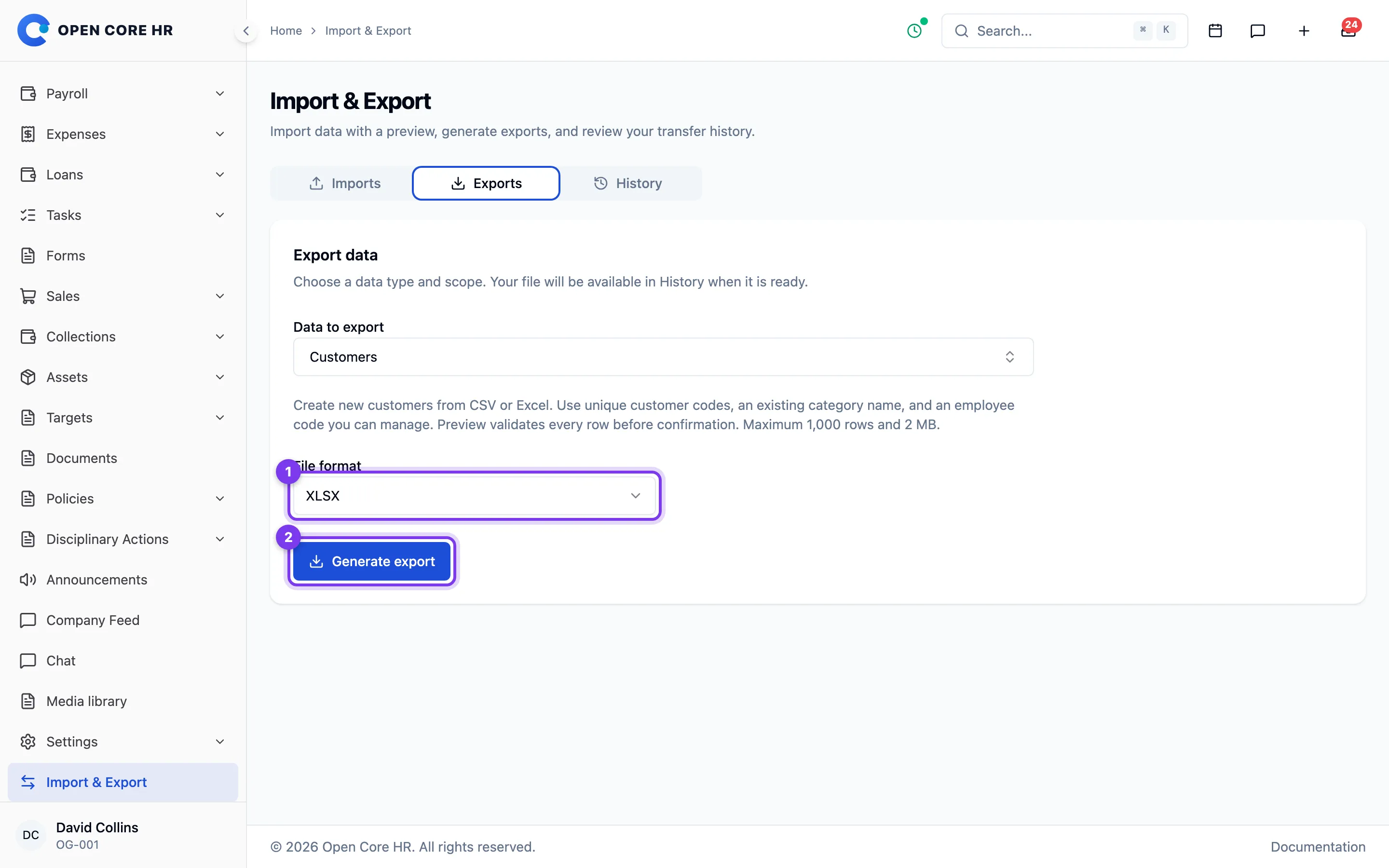
Choose a report
- Attendance report includes attendance records, check-in/out times and working hours.
- Leave report includes leave requests overlapping the selected period. Use it for requests and their status; use the leave entitlement export for initial annual entitlements.
- Expense report includes expenses dated within the selected period.
You can leave the page while a report runs. Check the result before sharing it: exports are snapshots, and later record changes do not update a downloaded file. Download before the expiry shown in History, seven days after the request.